Need Help?

Your wedding may be over, but some of the best photos could still be sitting on your guests' phones. If you haven't received them yet, there's nothing wrong with asking.
A simple, friendly message is usually enough. Thank your guests for celebrating with you, invite them to share any pictures they took, and give them an easy way to send them.
Below are message examples you can copy and personalize for texts, group chats, emails, and thank-you cards, along with a few tips on when and how to follow up.
The easier it is for guests to send their photos, the more convenient your request will be.
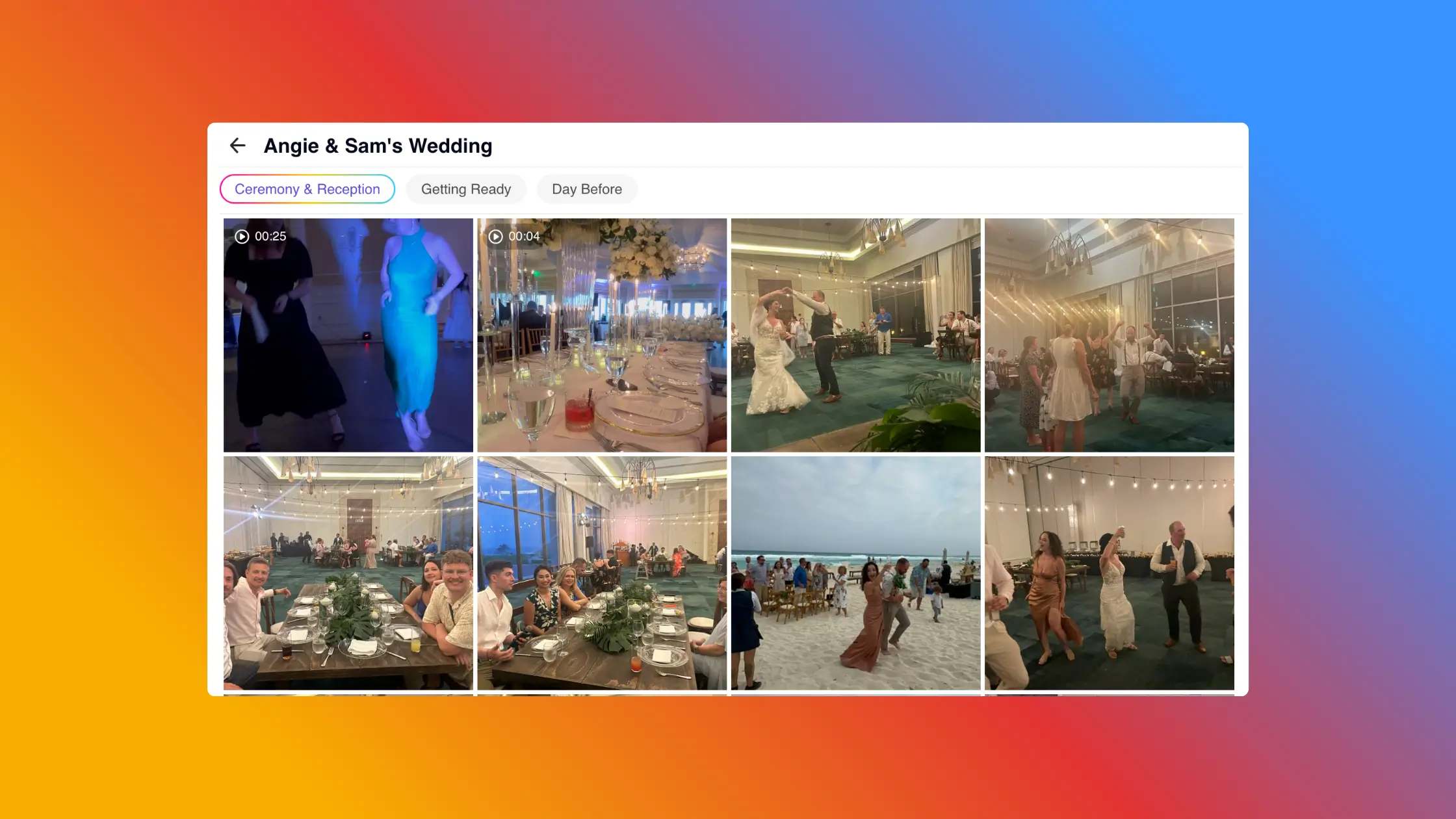
Choose one place to receive the photos, whether that's a shared wedding photo album or another upload destination. Include the direct link in your message so guests don't have to ask where to send everything.
Before sharing it, open the link yourself and make sure it works. If you're using a gallery, check that guest uploads are still enabled.
Keep your message short, thank guests for coming, and make it clear that sharing photos is optional. There's no need to ask everyone to sort through their camera rolls or send every picture they took.
Not every guest needs the same message. A quick text might be perfect for close friends, while an email works better for reaching a larger group.
Replace [PHOTO LINK] with your actual upload link and adjust the wording to sound like you.
For individual messages to friends and family, keep things casual.
Hey [Name]! Thank you again for celebrating with us! ❤️ If you took any photos or videos at the wedding, we'd love to see them. You can share them here whenever you get a chance: [PHOTO LINK]
This works well for guests you regularly text. You don't need a formal introduction or a long explanation.
If you already have a WhatsApp, iMessage, or another group chat with your wedding guests, you can send one message to everyone.
Thank you all again for making our wedding so special! We're gathering photos and videos from the day and would love to see anything you captured. If you have some to share, you can upload them here: [PHOTO LINK]. Can't wait to see the day through everyone's cameras! ❤️
Group chats are particularly convenient because guests already know where to find the conversation. Avoid repeatedly posting the link, especially if people are using the group for other conversations.
Email gives you a little more room to express your appreciation without making the request feel formal.
Subject: We'd love to see your wedding photos!
Hi everyone,
Thank you so much for celebrating our wedding with us. Having our family and friends together made the day even more memorable.
We're collecting photos and videos from the celebration and would love to see any you took, including the candid moments we might have missed.
If you'd like to share, you can upload them here: [PHOTO LINK].
Thank you again for being part of our day!
Love,
[Your Names]
You can send this as a dedicated photo request or include it in a broader post-wedding update.
Sometimes you remember a guest taking a picture during a particular moment, such as a speech, dance, or family gathering.
In that case, a personal message makes more sense than a general request.
Hey [Name]! I remember you taking some pictures during [moment], and I'd love to see them if you still have them! You can send them here: [PHOTO LINK], or just text them to me. Thank you!
Keep the request relaxed. They might not have the exact photo you're thinking of, and that's okay.
If you're sending physical thank-you cards, you can include a small photo request at the end of your personal message.
For example:
P.S. If you captured any photos or videos from our wedding, we'd love to see them! Scan the QR code below if you'd like to share.
You can print your gallery's QR code beneath the note or include it on a small insert.
If you're sending a digital thank-you message instead, use a clickable upload link.
Remember that the photo request is only an addition. Your thank-you card should still focus on expressing your appreciation personally, particularly when acknowledging a wedding gift.
A few days after the wedding is a reasonable time to send your first message, especially once guests have returned home and settled back into their routines.
You don't need to rush. Some guests may still be traveling, recovering from a busy weekend, or sorting through their photos.
If you already shared an upload link during the wedding, simply remind guests that they can still use it. There's no need to introduce a new way of sharing unless the original link is no longer available.
Yes, but keep it gentle.
If you haven't received many photos after your first request, you can send one follow-up a week or two later.
For example:
Just a quick reminder in case our earlier message got buried! If you have any wedding photos or videos you'd like to share, here's the link again: [PHOTO LINK]. Thanks so much to everyone who's already shared theirs! ❤️
After that, it's best to leave the decision with your guests. Some people may not have taken pictures, and others may simply prefer not to share them.
You can always reach out individually if you're looking for a particular photo, but avoid making guests feel obligated.
You don't need a perfectly worded message to ask for wedding photos. A genuine thank-you, a direct upload link, and a friendly invitation are usually all it takes.
If you haven't created a place to collect the photos yet, GuestCam lets you set up a private wedding gallery even after your wedding has taken place. Guests can then share their photos and videos through a link without downloading an app or creating an account.
Whatever method you use, keep the request easy and optional. Every photo someone chooses to share is another opportunity to revisit the day from their perspective.

Regan Black is the founder of GuestCam, an event and wedding photo sharing platform trusted by thousands of couples and leading brands to collect and preserve more than 20 million memories. He writes about event technology, wedding planning trends, and how modern couples are reimagining the guest experience.

Scan the QR code or use the link below to step into the guest portal and see how easy it is for guests to join and upload.