
Need Help?
Make it easy for attendees to upload event photos, easy for your team to share professional images back, and easy to keep everything organized in one private gallery.

Trusted for events by leading brands.
Slack channels, Google Drive folders, and email threads all fall apart at scale. GuestCam is built specifically for events - which means it works where those tools don't.

Attendees scan a QR code (click a private link) and the gallery opens in their browser. The event organiser sets the whole thing up independently in under two minutes. Works on any device through the browser. No guest accounts or sign-ups required. Zero IT involvement to deploy

Enable moderation to review uploads before they appear. Control who can upload and who can view. Keep the gallery private to attendees only, or open it to a wider team after the event. Brand-appropriate content, without anyone having to police it manually.
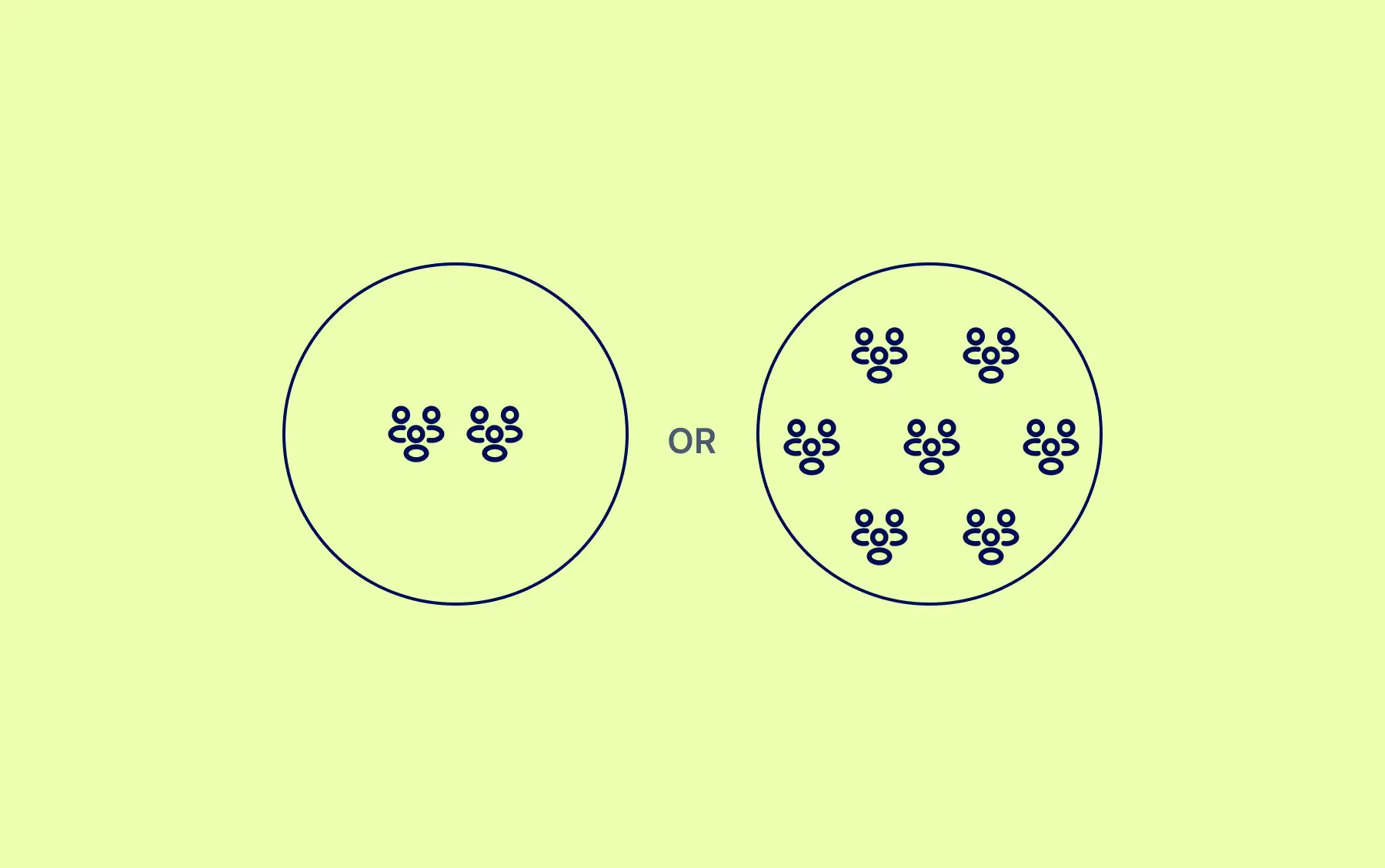
Whether it's 30 people at a team offsite or 3,000 at a conference, GuestCam handles simultaneous uploads from every attendee at once. No pauses when the keynote ends and everyone uploads at the same time.

It works both ways. Attendees upload their own photos from the event. Your team uploads the professional photographer's shots to the same gallery. Attendees use MagicFind to find every photo they appear in across both - without scrolling through hundreds or thousands of images.
Unlimited Guests
Unlimited Photo & Video Uploads
Up to 12 Months for Uploads
Up to 14 Months of Storage
Setup takes two minutes. No IT approval, no procurement process, no app for attendees to install.
Set a name, pick a start date, and your private gallery is ready. GuestCam generates a unique QR code (and private link) automatically. Customise the colours to match your event branding, or use it as-is.
%20instantly..webp)
Registration desk, conference screens, lanyards, table signs at dinner, breakout room doors. Attendees scan with their phone camera - no app store, no login, no friction. Use the live slideshow on the main stage screens to show uploads in real time and drive more participation. If your event is already over, skip the QR code entirely and send attendees a direct link.
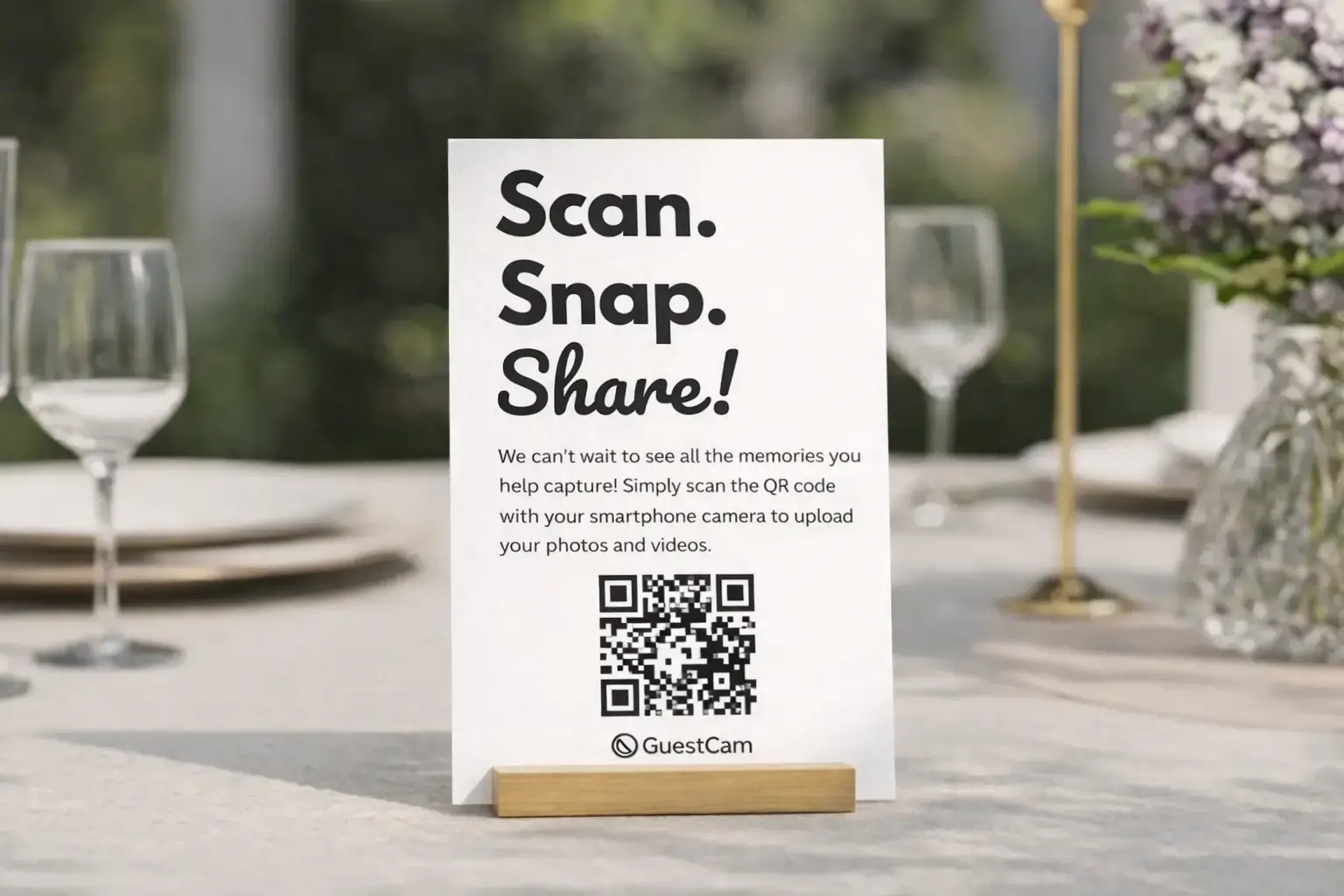
Photos and videos arrive in your gallery in real time. Moderate before anything goes public if you need to. When the event wraps, download everything in one click as a full-resolution ZIP - ready for comms, social media, and your post-event debrief the same day.

One QR code covers the whole event. Create sub-galleries per session, per day, or per track. Run the live slideshow on the main stage screen between talks. Attendees find their own photos from the professional photographer using MagicFind.

The candid moments from an offsite are the ones employees talk about afterward. Collect them all in one gallery. Separate sub-galleries for each day keep everything organised without any extra work from your team.

Casual events where employees capture things no professional would. Gallery moderation keeps content brand-appropriate before anything goes public. Useful for internal comms the following week. See party photo sharing for more.

Your booth team uploads alongside attendees. Sub-galleries for each day keep everything organised. Leave the show with a complete visual record of every interaction - ready for the debrief on the flight home.

The event team sets it up. But the photos feed into marketing, HR, and leadership without anyone having to ask.
Needs a way to collect attendee photos at scale without creating an IT project, chasing people on Slack, or managing a shared drive that half the team can't access.

Needs event photos for the social media post the morning after, the internal newsletter that goes out Tuesday, and the press release already written. The photographer won't deliver for two weeks.

Needs authentic photos of real employees at real events for employer brand content. When employees appear in photos from a company event, they share them. That reach is worth more than a campaign budget.

Set up one private gallery, give people one easy place to upload, and leave the event with content your team can actually use.
Unlimited Guests
Unlimited Photo & Video Uploads
Up to 12 Months for Uploads
Up to 14 Months of Storage
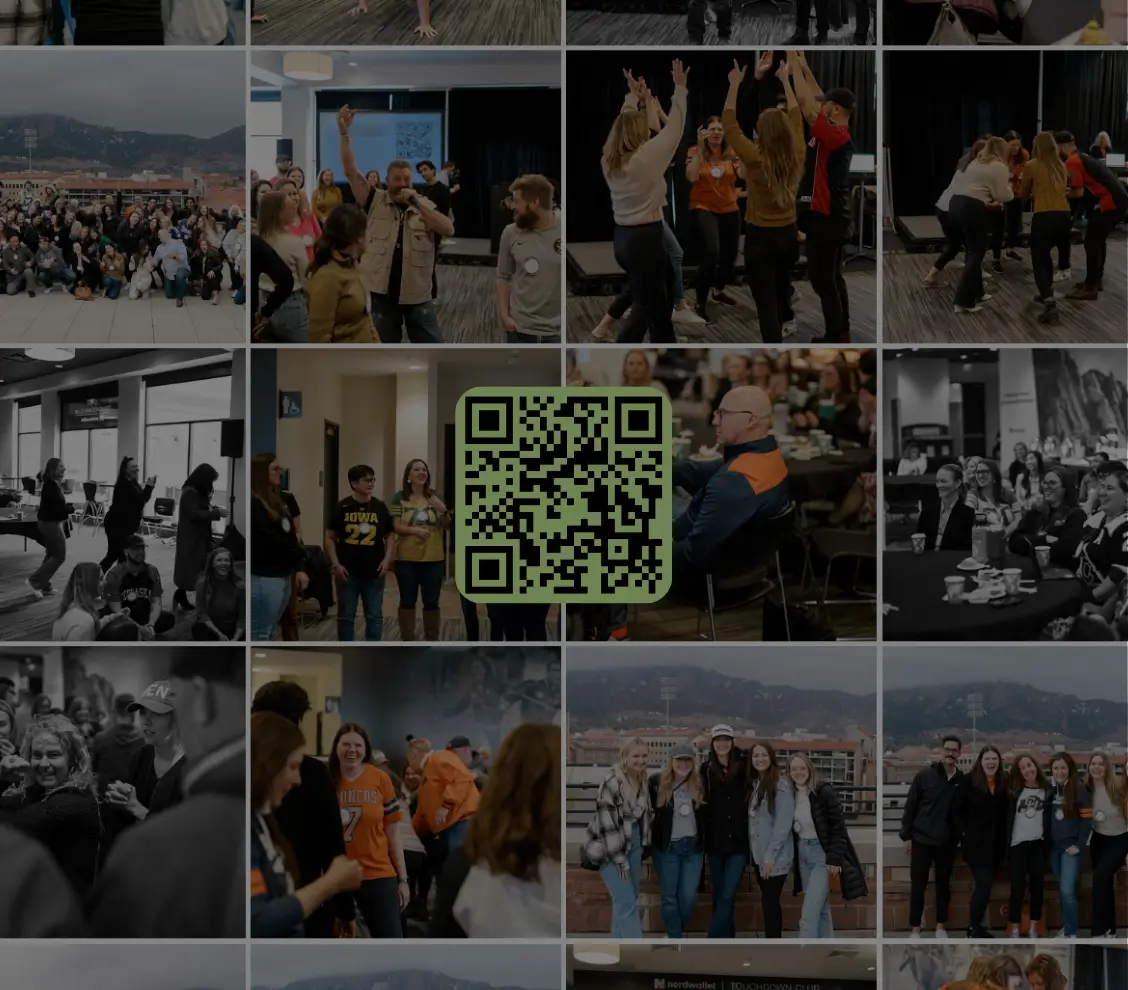

Scan the QR code or use the link below to step into the guest portal and see how easy it is for guests to join and upload.


