Disposable cameras for weddings can be worth it if you want authentic film photos, limited shots, and the surprise of seeing the results after development. If you prefer immediate access, video, or easier digital collection, a modern alternative may be a better fit.
This guide compares disposable wedding cameras with QR code photo sharing, instant cameras, reusable cameras, disposable-camera-style apps, photo booths, and shared albums or wedding hashtags. We examine the experience, costs, requirements, and limitations of each option.
Disclosure: This comparison is published by GuestCam, which provides QR code photo sharing for weddings. GuestCam represents one category in the article, and every option is evaluated using the same criteria and current product information.
Disposable cameras vs modern alternatives at a glance
Start with this quick comparison of what each option is best for, what guests use, when the photos become available, and the main trade-off.
Option
Best for
What guests use
When photos are available
Main trade-off
Disposable cameras
A screen-free activity and authentic film look
Single-use film cameras supplied by the couple
After the cameras are collected, developed, and scanned or printed
Each camera has a fixed number of exposures and requires paid processing
QR code photo sharing
Collecting guests’ digital photos and videos in one place
Their own smartphones and a QR code or link
As guests upload, depending on the platform and gallery settings
Requires a compatible phone, internet access for uploading, and a third-party platform
Instant cameras
Creating physical prints during the wedding
An instant camera and compatible film supplied by the couple
Within minutes of taking each photo
Film packs have limited shots, and every print must be stored or displayed
Reusable film or digital compact cameras
Providing a dedicated shared camera without relying entirely on guests’ phones
A reusable camera supplied by the couple
After film processing or transfer from the digital camera
The couple must manage, charge, collect, and transfer or process the equipment and images
Disposable-camera-style apps
Recreating limited shooting and a delayed reveal digitally
A smartphone using a browser, App Clip, or downloaded app
At the reveal time selected by the host or supported by the service
Guest access requirements, capture limits, filters, and reveal controls vary by product
Photo booths
A structured reception activity with a consistent backdrop
Dedicated booth equipment
Immediately or after the event, depending on the rental package
Captures activity in one designated area and may involve rental, staffing, delivery, or print costs
Shared albums or wedding hashtags
A familiar DIY option using existing services
Their smartphones and the selected album or social platform
As guests upload or publish
Account requirements, image quality, access controls, and export options depend on the service
Are disposable cameras worth it for a wedding?
Disposable cameras can be worth it when the film experience is part of what you want, not simply a way to collect the most guest photos.
They make the most sense if you value:
Authentic film photos
A screen-free reception activity
Limited, more deliberate shots
The surprise of seeing the photos after development
Consider an alternative if you want:
Immediate access to the photos
Photo and video collection
More flexible capture limits
Less equipment and post-wedding processing
Disposable wedding cameras are neither outdated nor automatically the right choice. Their value depends on whether the physical film experience justifies the limits, processing costs, and wait.
How we compared the options
Each option was evaluated using the same criteria:
Capture experience: Guest experience, photo and video support, capture limits, image availability, and low-light considerations
Requirements and handling: Physical keepsakes, app or account requirements, internet access, equipment management, processing, and export
Control and value: Privacy and access controls, upfront and ongoing costs, and important limitations
Specifications, prices, processing requirements, and platform restrictions were checked against current manufacturer, product, pricing, and support pages.
We excluded unsupported participation rates, unusable-photo percentages, cost savings, and photo-volume estimates. Because weddings and products vary, the cost section uses formulas instead of universal averages.
Disposable wedding cameras
Best for: Couples who want authentic film photos and a screen-free activity.
How it works
Guests take photos using single-use film cameras supplied by the couple. After the wedding, the cameras must be collected and sent to a lab for development, scanning, or printing.
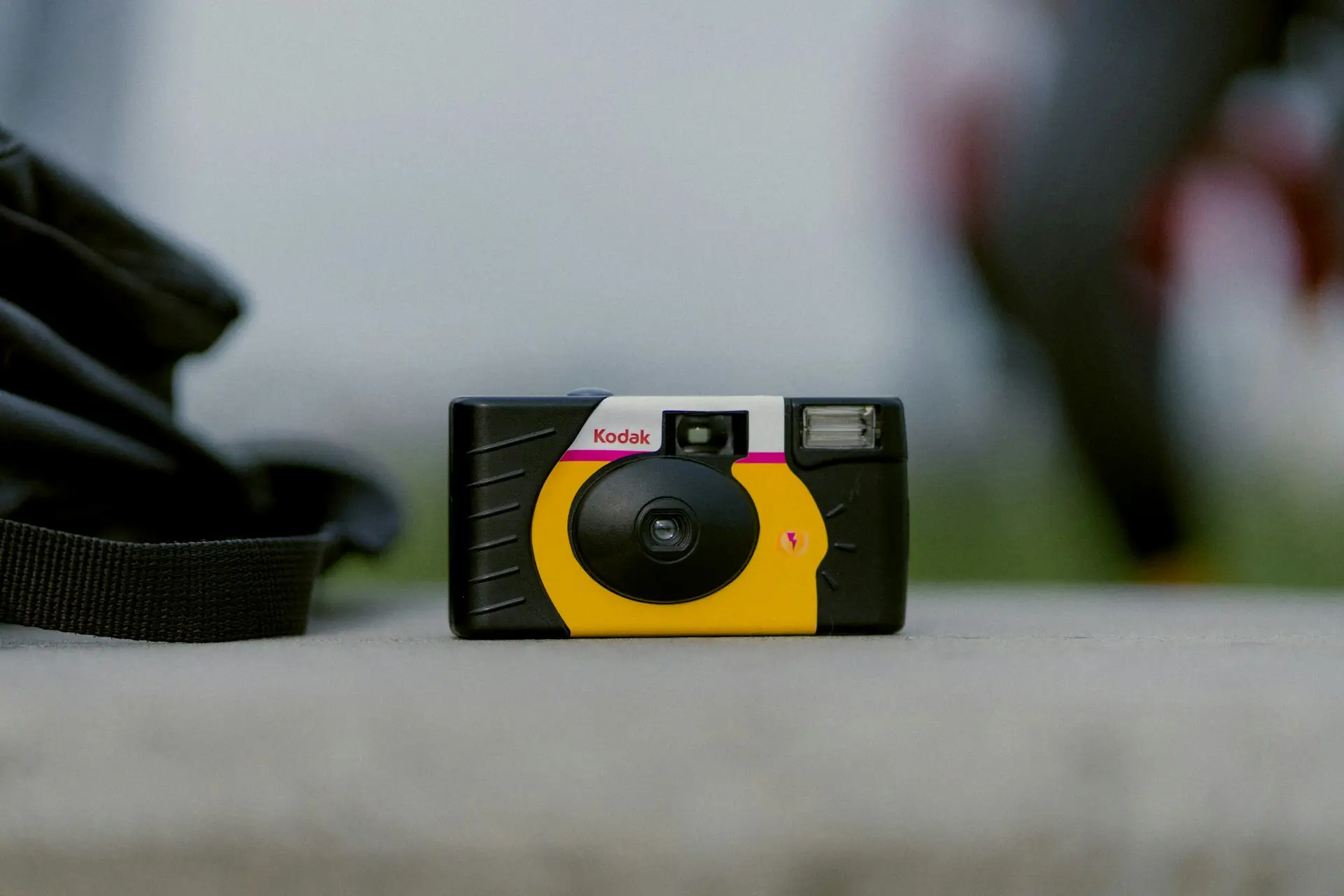
Specifications vary by model. The Kodak FunSaver, for example, includes 27 exposures and a manual flash with a stated range of 4 to 11.5 feet.
Key strengths
Produces photographs on actual film
Requires no phone, app, account, or internet connection
Creates a delayed reveal after development
Important limitations
Captures photos but not video
Each camera has a fixed number of exposures
Guests cannot review their photos
Results depend heavily on lighting, flash use, subject distance, and handling
Every camera must be collected and processed
Costs to check
Include the camera price, processing, scans, prints, shipping, and taxes. The Darkroom currently lists disposable-camera processing starting at $17 per camera, separate from the camera purchase.
Bottom line
Choose disposable cameras when the physical film experience matters more than immediate access, video, or convenient digital collection.
QR code photo sharing
Best for: Collecting guests’ digital photos and videos in one gallery.
How it works
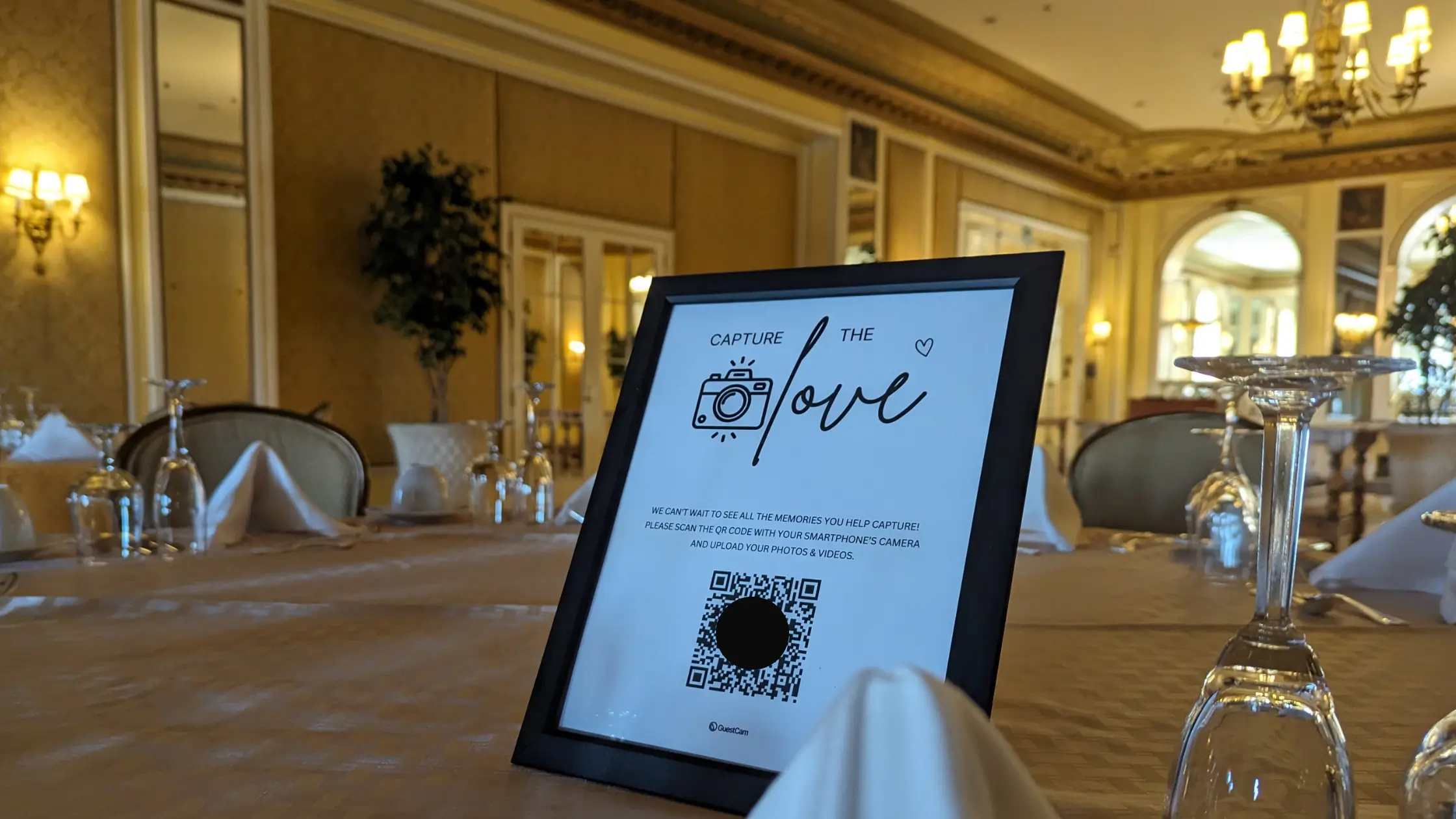
Guests take photos and videos with their phones, then scan a QR code or open a link to upload them. Depending on the platform and gallery settings, uploads may be available during the wedding.
Makes uploads available digitally without film processing
Can provide centralized viewing and export
Important limitations
Requires a compatible phone and internet access for uploading
Photo quality depends on the guest’s device and original file
Does not provide physical prints by default
Upload limits, storage, privacy controls, and guest requirements vary by platform
Costs to check
Compare the event price, guest or upload limits, storage period, export options, paid add-ons, and any optional printing costs.
Bottom line
Choose QR code photo sharing when digital collection, video support, and faster access matter more than physical cameras or film prints.
Instant cameras
Best for: Creating physical prints that guests can keep or add to a scrapbook during the wedding.
How it works
Guests take photos using an instant camera supplied by the couple. Each photo prints from the camera and develops shortly afterward.
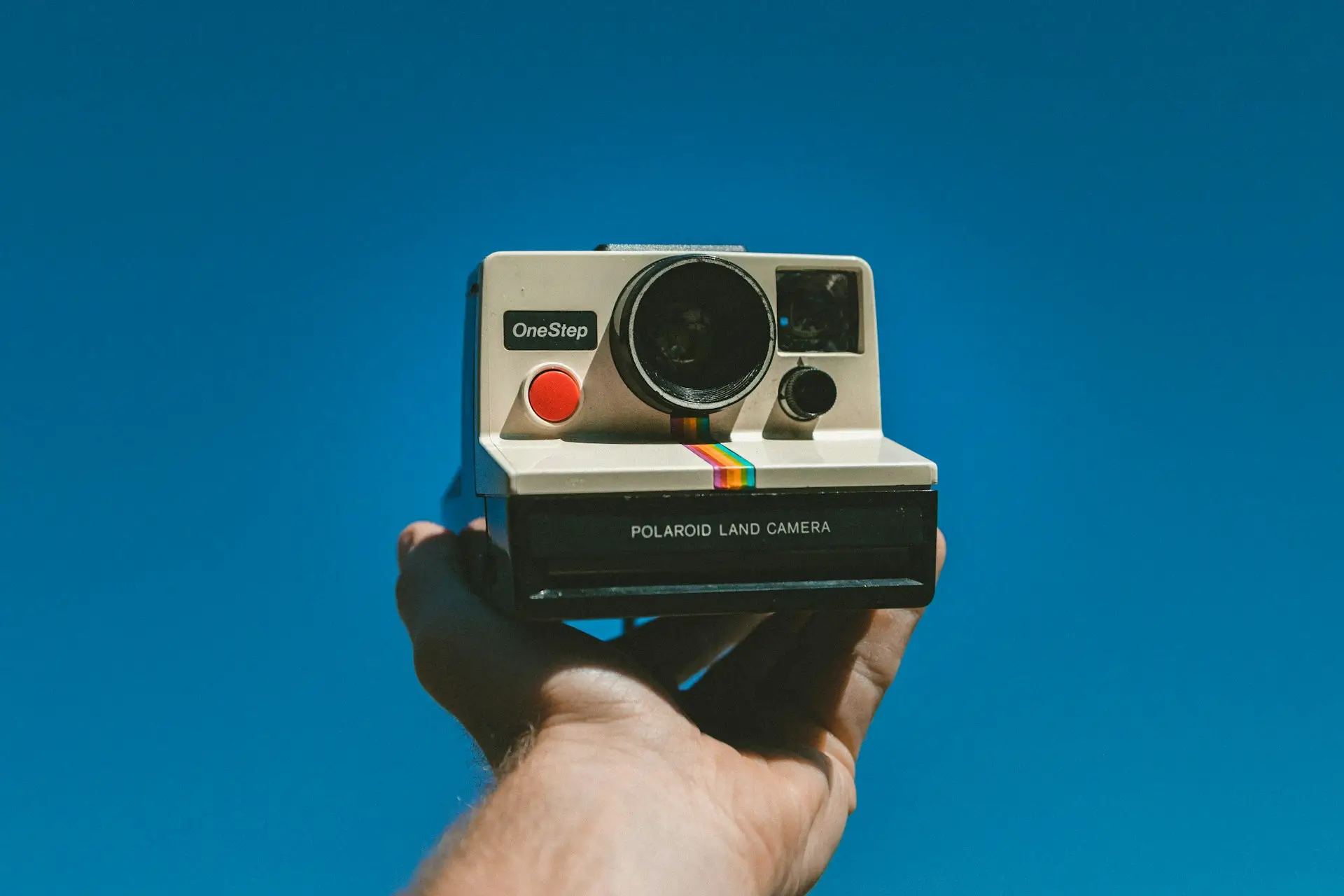
Film capacity and development time depend on the format. Instax Mini film provides 10 prints per pack and develops in approximately 90 seconds. Polaroid i-Type film provides eight photos per pack and lists a development time of 10 to 15 minutes.
Key strengths
Produces physical prints during the wedding
Requires no guest app, account, or internet connection
Works well for scrapbooks and keepsake stations
Important limitations
Every film pack has a fixed number of prints
Guests cannot reproduce a print unless it is scanned or photographed
Cameras, film, batteries, and finished prints must be managed
Results depend on lighting, flash use, distance, and camera handling
Costs to check
Include the camera purchase or rental, compatible film packs, batteries or charging, and scrapbook or display supplies.
Bottom line
Choose an instant camera when physical prints during the wedding matter more than collecting a large digital gallery.
Reusable film or digital compact cameras
Best for: Couples who want guests to share a dedicated camera without discarding it after one use.
How it works
A reusable film camera works similarly to a disposable camera but can be loaded with another roll. The Lomography Simple Use Reloadable Film Camera, for example, comes with 36 exposures and can be reloaded with 35mm film.
A digital compact camera stores photos on internal memory or a memory card. The Camp Snap 2 is a screen-free example with an 8 MP sensor, rechargeable battery, and removable memory card.
Key strengths
Camera can be reused after the wedding
Does not require guests to use phones, apps, or accounts
Film models preserve the analog experience
Digital models provide greater capacity without film processing
Important limitations
Cameras must be charged, distributed, collected, and protected
Reusable film still requires film purchases and lab processing
Digital files must be transferred and backed up after the wedding
A small number of shared cameras may capture only the guests who handle them
Costs to check
For film, include the camera, film rolls, processing, and scans. For digital, include the camera, memory card, charging accessories, and file-transfer equipment.
Bottom line
Choose a reusable camera when you want a dedicated physical device and are comfortable managing the equipment and retrieving the images afterward.
Disposable-camera-style apps
Best for: Couples who want limited digital shooting, film-style effects, or a delayed photo reveal without physical cameras.
How it works
Guests scan a QR code or open a link that launches a simplified camera experience on their phones. The host may be able to limit captures, apply a visual style, or delay when the gallery becomes visible.
Access varies by product. POV uses an App Clip on iPhones and a browser-based experience on Android. Lense works through a browser without guest registration.
Key strengths
Recreates limited shooting and delayed discovery digitally
Avoids purchasing and processing physical cameras
Collects the photos in one gallery
May offer filters, capture limits, and reveal controls
Important limitations
Requires a compatible smartphone and internet access
Produces digital effects rather than photographs shot on film
App, browser, and account requirements vary
Capture limits, video support, storage, and downloads may depend on the plan
Costs to check
Compare guest limits, capture allowances, video, storage, and paid add-ons. Pricing varies by guest count, region, and optional add-ons.
Bottom line
Choose a disposable-camera-style app when the delayed, limited experience matters more than using actual film or producing physical prints.
Photo booths
Best for: Couples who want a structured reception activity with a consistent backdrop.
How it works
A photo booth uses a dedicated camera or tablet, lighting, and a backdrop in one area of the venue. Depending on the package, guests may receive prints, digital copies, or access to an online gallery.
Key strengths
Provides a defined activity for guests
Offers more consistent framing and lighting than roaming guest cameras
May include prints, props, backdrops, or digital delivery
Keeps booth photos together in one collection
Important limitations
Captures photos only where the booth is located
Guests may need to wait when the booth is busy
Equipment must be delivered, set up, supervised, or returned
Does not collect candid photos taken elsewhere at the wedding
Costs to check
Compare the rental period, attendant, prints, backdrop, props, delivery, travel, and return shipping. As one current example, Booth By Mail’s packages list $319 for a digital booth or $419 with a printer and 100 prints.
Bottom line
Choose a photo booth when entertainment and consistent posed photos matter more than venue-wide candid coverage.
Shared albums and wedding hashtags
Best for: Couples who prefer a familiar DIY option using services their guests may already use.
How it works
With a shared album, guests upload photos and videos through a service such as Google Photos or Apple Photos. A Google Photos shared album can be opened through a link, while invited contributors can add their own files.
With a wedding hashtag, guests publish photos through a social platform and include the chosen hashtag so related public posts can be found together.
Key strengths
Often available without a separate event fee
Uses familiar photo or social platforms
Makes contributions available as guests upload or publish
Can work well for smaller groups already using the same service
Important limitations
Account and app requirements vary
Link access and social posting may provide less privacy than couples expect
Hashtags do not create a controlled collection of original files
Shared albums may impose quality, storage, contribution, or export restrictions
For example, Apple Shared Albums reduce shared photo and video resolution and are not intended to replace storage of the original files.
Costs to check
Check storage subscriptions, account requirements, printing, and any paid export or archival service.
Bottom line
Choose a shared album or wedding hashtag when familiarity and low upfront cost matter more than centralized control and wedding-specific features. For a broader comparison, see these ways to share photos with a group.
Compare the options in detail
The table below compares the formats, limits, requirements, equipment, processing, privacy, costs, and primary limitation of each option.
Option
Formats
Capture limit
Availability
Low-light considerations
Physical keepsake
Guest requirements
Equipment management
Processing and export
Privacy and access
Cost structure
Primary limitation
Disposable cameras
Photos only
Fixed by camera; commonly 27 exposures
After lab processing
Built-in flash has a limited range and may require manual charging
Prints and negatives, depending on the lab service
No phone, app, account, or internet
Purchase, distribute, collect, and transport every camera
Lab development followed by scans, prints, or both
Cameras remain physical until delivered to a lab
Cameras, processing, scans, prints, shipping, and taxes
Photos cannot be reviewed before development
QR-code photo sharing
Photos and videos, depending on the platform
Depends on the event plan or platform
As guests upload, subject to gallery settings
Depends on each guest’s phone camera and lighting
None unless prints are ordered separately
Smartphone and internet; app and account requirements vary
Guests use their own phones
Uploads enter a gallery and may support bulk download
Link, gallery, moderation, and access controls vary
Event plan, add-ons, storage extensions, and optional printing
Depends on phones, internet access, and a third-party platform
Instant cameras
Printed photos
Usually 8 or 10 prints per film pack, depending on the format
Develops shortly after capture
Depends on flash, distance, camera model, and venue lighting
Instant print
No phone, app, account, or internet
Manage cameras, film packs, batteries, and finished prints
No lab processing; prints must be scanned for digital copies
Each print is visible to whoever receives or handles it
Camera, film packs, batteries, and scrapbook supplies
One physical print is produced per exposure
Reusable film or digital compact cameras
Photos; video depends on the digital model
Film roll, memory card, or battery capacity
After film processing or digital transfer
Depends on the camera, flash, lens, and settings
Film negatives or digital files; prints are optional
No personal phone, app, account, or internet
Charge, distribute, collect, protect, and reset shared cameras
Lab processing for film or memory-card transfer for digital
Files remain on the camera or film until retrieved
Camera plus film and processing, or memory and charging accessories
A limited number of shared devices must circulate among guests
Disposable-camera-style apps
Photos; video depends on the product or plan
May be limited per guest or unlocked through an add-on
Immediately or at a scheduled reveal
Depends on each guest’s phone camera
None unless printed separately
Smartphone and internet; browser, App Clip, or app varies
Guests use their own phones
Digital gallery with download options that vary by service
Gallery and reveal controls vary by product
Guest-count plan, capture upgrades, video, and storage
Simulates film rather than producing photographs on film
Photo booths
Photos; GIF or video may be available
Depends on rental time, print allowance, or package
Immediately or through a post-event gallery
Dedicated lighting usually controls the booth area
Prints when included in the package
Guests use the booth; digital delivery may require a phone or email
Delivery, setup, attendant, power, and return may be required
Prints, individual delivery, or vendor-hosted gallery
Depends on gallery settings and delivery method
Rental, hours, attendant, prints, backdrop, travel, and shipping
Captures activity only within the booth area
Shared albums or wedding hashtags
Photos and videos, subject to platform restrictions
Depends on storage and platform limits
As guests upload or publish
Depends on each guest’s phone camera
None unless printed separately
Phone, selected service, and possibly an account or app
Guests use their own phones
Saving and bulk export vary by service
Depends on link permissions, accounts, and social visibility
Often free, with possible storage, subscription, or printing costs
Less control over quality, access, and complete file collection
How to compare the total cost
Sticker prices do not include every expense. Use these formulas with the quantities and current prices that apply to your wedding:
Disposable cameras: Cameras × price per camera + processing per camera + scans or prints + shipping and taxes
QR code photo sharing: Event plan + paid add-ons + storage extensions + optional printing
Instant cameras: Camera purchase or rental + film packs × price per pack + batteries + scrapbook supplies
Reusable film cameras: Camera + film rolls + development and scanning + shipping or prints
Digital compact cameras: Cameras + memory cards + batteries or charging accessories + transfer equipment
Disposable-camera-style apps: Guest-count plan + capture upgrades + video or storage add-ons
Photo booths: Base rental + additional hours + attendant + prints + backdrop + delivery or travel
Shared albums or hashtags: Storage subscription + optional printing or archival costs
Compare the complete total for the experience you want, not only the lowest advertised starting price.
When a hybrid setup makes sense
Combining two methods can provide both a distinctive guest experience and broader photo coverage.
Disposable cameras plus QR uploads: Disposable cameras provide the film experience, while QR uploads collect additional phone photos and videos.
Instant-camera scrapbook plus digital gallery: Instant prints create a physical keepsake, while the gallery preserves contributions that were not printed.
Professional photographer plus guest uploads: The photographer provides planned, consistent coverage, while guests add candid perspectives from around the wedding. Guest photos should supplement professional coverage rather than be treated as an equivalent replacement.
Photo booth plus venue-wide guest uploads: The booth creates a structured activity, while phone uploads capture moments elsewhere at the venue.
A hybrid approach makes the most sense when the two options serve different purposes rather than duplicating the same experience.
Final recommendation
Disposable cameras are worth considering when authentic film, physical cameras, limited shots, and a delayed reveal are part of the experience you want.
Choose a modern alternative when immediate access, video, greater capture capacity, or simpler digital collection matters more. If you want both the film experience and broader coverage, combine disposable or instant cameras with a digital collection method.
Prefer a digital option? GuestCam lets wedding guests upload photos and videos to one private gallery through a QR code or link, without downloading an app or creating an account.
Disposable cameras can be worth it when you value authentic film, physical cameras, limited shots, and a delayed reveal. A modern alternative may be better if you want immediate access, video, or simpler digital collection.
How many photos can a disposable wedding camera take?
It depends on the model. Many common disposable cameras provide 27 exposures, but some offer more or fewer. Check the exposure count before calculating how many cameras you need.
How much do disposable cameras for a wedding cost?
Calculate the total using the number of cameras, price per camera, processing fee for each camera, scans or prints, shipping, and taxes. Development is normally charged separately from the camera purchase.
Are disposable cameras or QR code photo sharing better for a wedding?
Disposable cameras are better for authentic film and a physical, screen-free experience. QR code photo sharing is better for collecting digital photos and videos with faster access and more flexible capacity.
What is the difference between disposable and instant cameras?
Disposable cameras store photos on film that must be developed after the wedding. Instant cameras produce individual physical prints shortly after each photo is taken.
Do disposable cameras work well in low light?
Results depend on the camera, venue lighting, flash use, and subject distance. Built-in flashes have limited ranges, so guests must follow the camera’s instructions when taking photos in dim conditions.
Can guest photos replace a professional wedding photographer?
Guest photos can add candid perspectives, but they do not provide the planned coverage, consistency, editing, backups, or accountability of a professional photographer. They are better treated as complementary coverage.
About the author
Regan Black
Regan Black is the founder of GuestCam, an event and wedding photo sharing platform trusted by thousands of couples and leading brands to collect and preserve more than 20 million memories. He writes about event technology, wedding planning trends, and how modern couples are reimagining the guest experience.

.jpg)