
Need Help?
Collect photos and videos from event guests in one private album. Guests scan a QR code or open a link to upload from their phone, with no app to download and no account to create.

Trusted for events by leading brands.
GuestCam replaces scattered texts, emails, group chats, and shared folders with one private event gallery. Guests scan your QR code or open a link to upload photos and videos directly from their phones, with no app to download and no account to create.
Collect photos and videos from event guests in one shared album instead of piecing everything together from different apps, messages, and folders after the event.
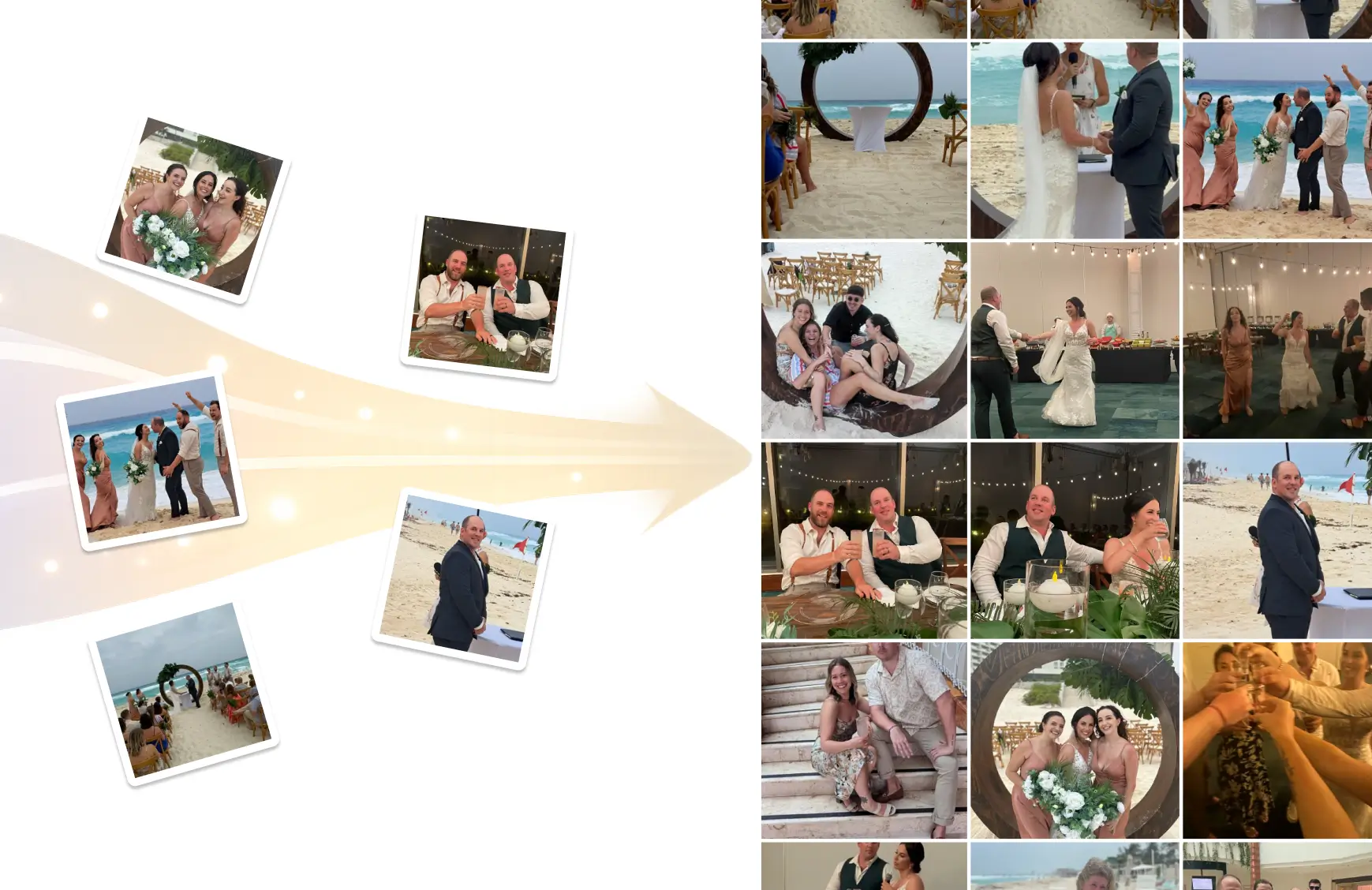
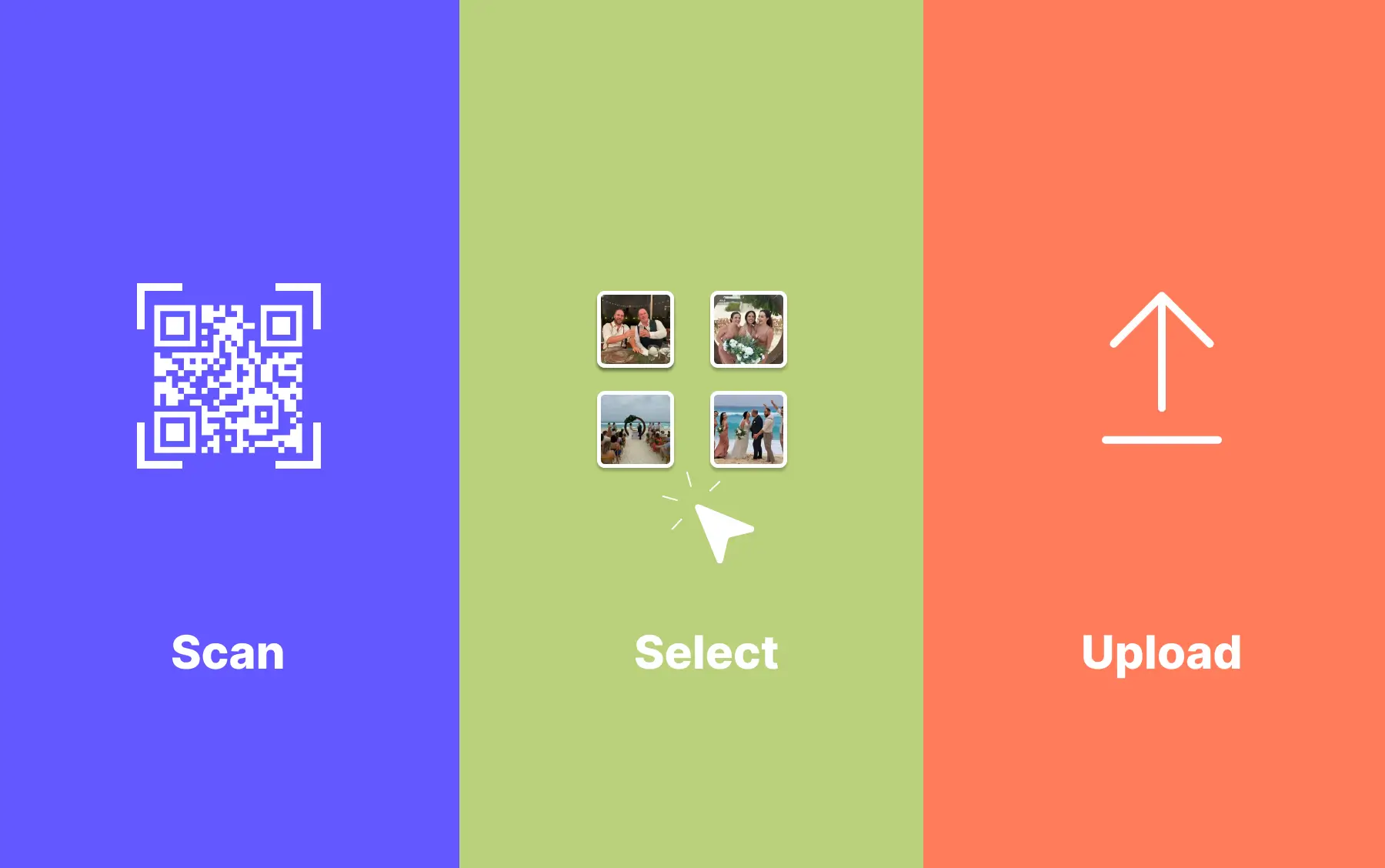
Guests scan the QR code or open your private link, then upload from their phones in a few taps. There is nothing to download and no guest account to create.
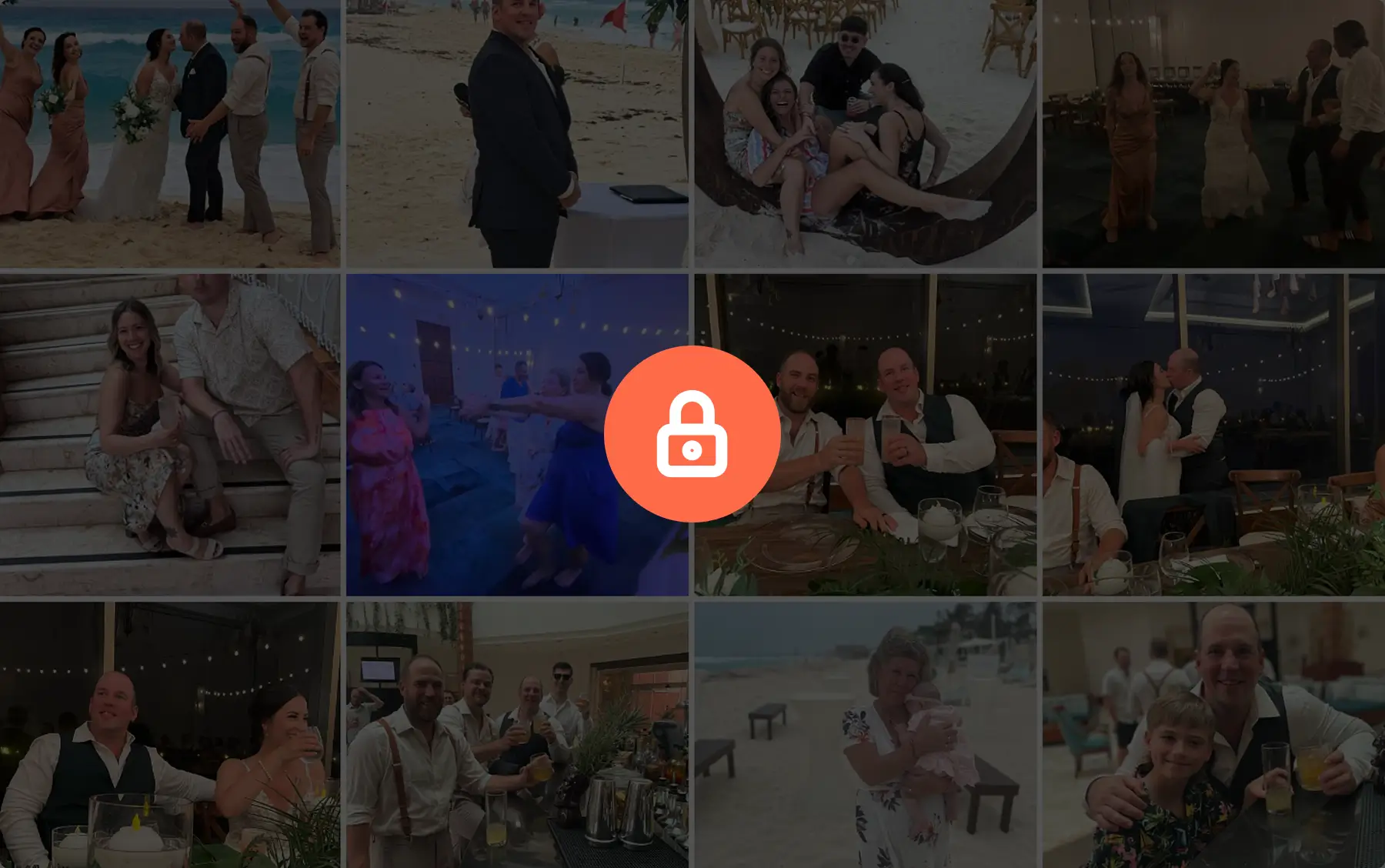
Every uploaded photo and video goes into your private event gallery, where you can view, organize, and manage everything in one place.
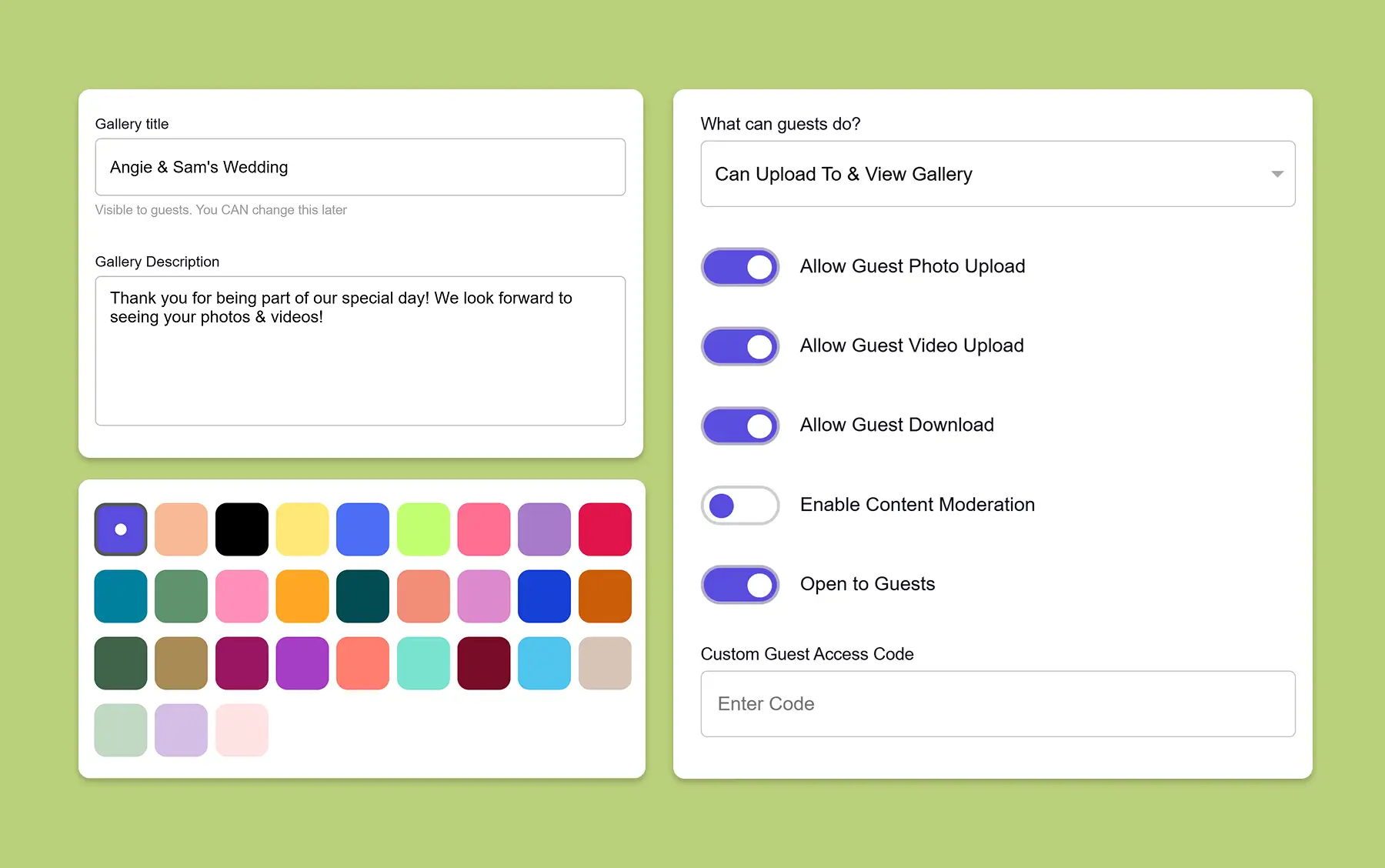
Set up your private event photo gallery in under two minutes. GuestCam automatically generates a unique QR code and private link that guests can use to access your gallery.
Display the QR code at your event or share the private gallery link directly with guests. They can scan the code with their phone camera or open the link to access the upload page.
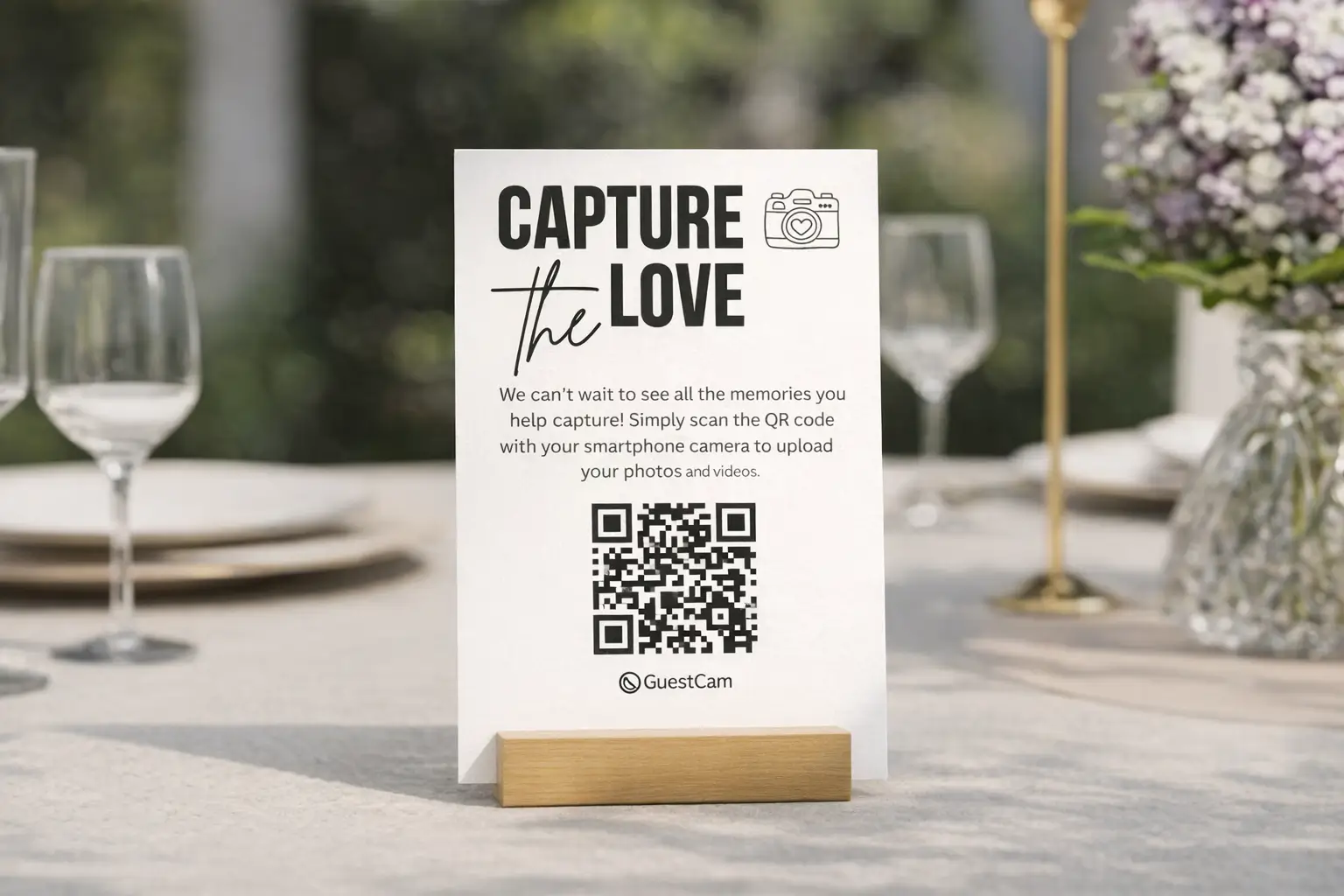
Guests select photos and videos from their phones and upload directly through their browser. No app, account, or login is required, and every upload goes into your private event album.

GuestCam works for different types of events while keeping the experience simple: one private place for guests to upload and share their photos and videos. Choose your event type for more specific guidance.
Collect the candid photos and videos captured by your guests in one private wedding album.
Explore Wedding Photo Sharing
Give guests one easy place to contribute photos and videos from your party or celebration.
Explore Party Photo Sharing
Bring attendee and team photos together in one private gallery for your company event.
Explore Corporate Event Photo Sharing
GuestCam keeps photo sharing simple for guests while giving hosts the tools to collect, organize, manage, and download every event photo and video in one place.
Create My Event GalleryGuests scan your QR code or open the private link and upload directly through their browser. There is no app to download, account to create, or login to remember.
Choose who can upload, who can view the gallery, and whether new uploads appear immediately or only after you review them.
Collect unlimited photos and videos from unlimited guests. GuestCam keeps the original files and lets you download everything together as a single ZIP.
Keep everything in one shared event album or use separate galleries for different days, parts of the event, or groups of guests.
Invite collaborators to help upload, organize, or moderate your event gallery. You can assign permissions while retaining control as the primary host.
MagicFind helps guests instantly find the photos they appear in across your event gallery without searching through every upload.
Learn More About MagicFind
Display photos and videos on a screen as they are uploaded with Live Slideshow, and collect voice messages from guests with the included Audio Guestbook.
The GuestCam guest portal supports 17 languages, making it easier for guests to navigate the gallery and share their photos and videos.
Guests can set a reminder to upload their photos after the event, so they can contribute the pictures and videos they did not share while it was happening.
GuestCam is built specifically for collecting photos and videos from event guests. Here is how it compares with tools designed primarily for messaging, file storage, social posting, or email.
See how hosts have used GuestCam to collect and share photos across different kinds of events.

We used GuestCam for a large-scale event and it was a total hit. The setup was seamless, guests immediately understood how to use it, and the QR code made access incredibly easy. Within minutes, people were snapping photos and building a real-time gallery that captured the spirit of the event. Easy to use on our end, intuitive for guests. Highly recommend for any event.

This is HANDS DOWN the best app for capturing moments with all your guests! The MagicFind option is a must! If you’re debating between GuestCam and other options, do yourself a favor and just get GuestCam. You won’t regret it!
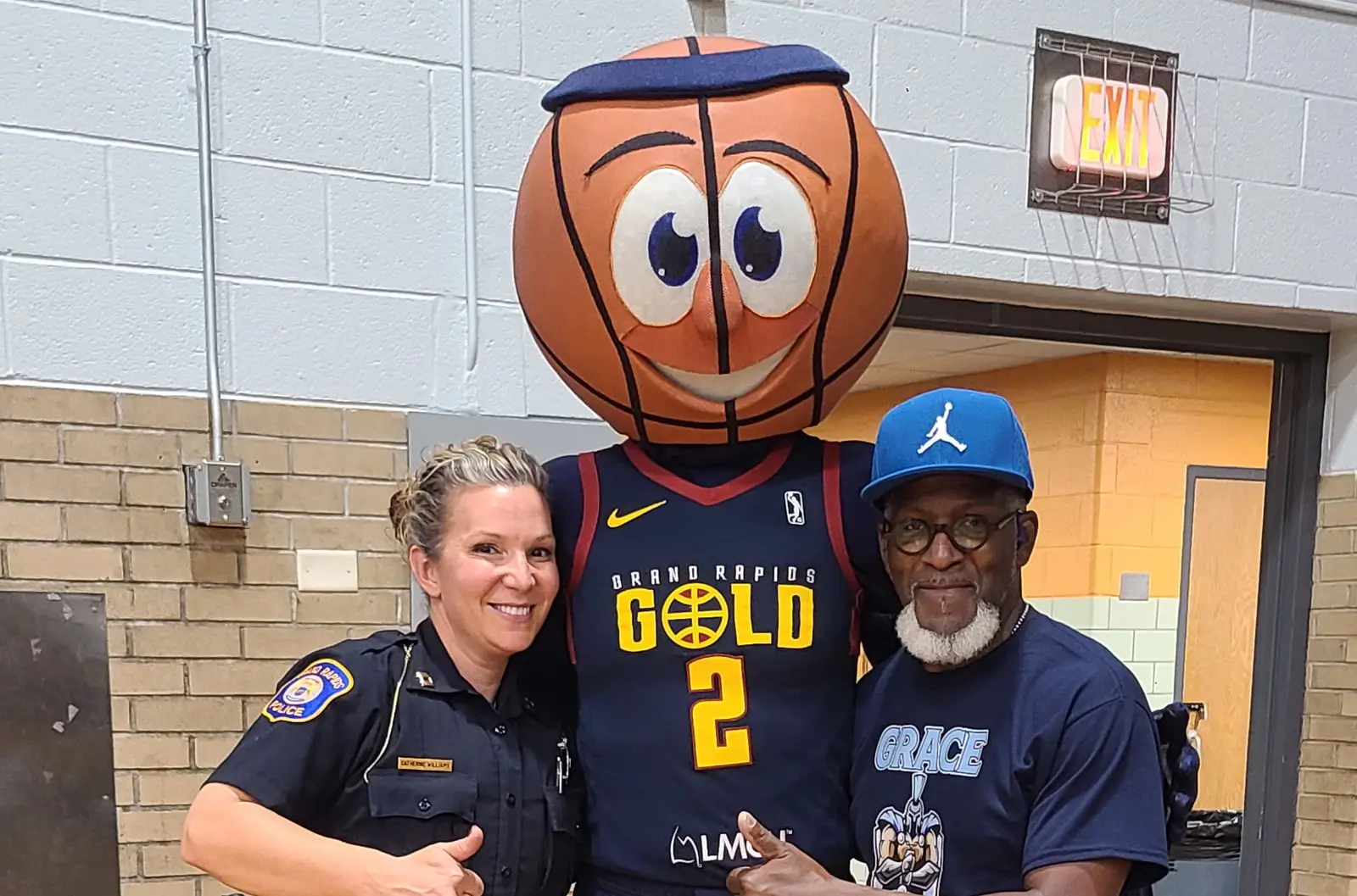
This is an awesome tool. We had a 4 day event and the ease of adding photos was amazing. Our guests and team were able to add so many pictures it was great! The price point is great as well.

As a wedding planner, I recently used GuestCam for a big industry event and it was perfect. Guests uploaded photos by scanning a QR code, and I created separate sub-galleries for the photo booth, photographer, and videographer. The MagicFind tool was a hit, letting guests find every photo they appeared in. A fantastic tool for any event.

We used GuestCam for our 50th High School Reunion and it was an easy way to share photos, even after the weekend was over. It's only been a few days since we gathered and we already have over 300 photos and short videos. I hope we add some others as well. We put the QR code on the back of everyone's name tag as well as the link to the website, so they could find it when they returned home. The app helped us to NOT have to hire a photographer for the event, which saved some money. Thank you, GuestCam!
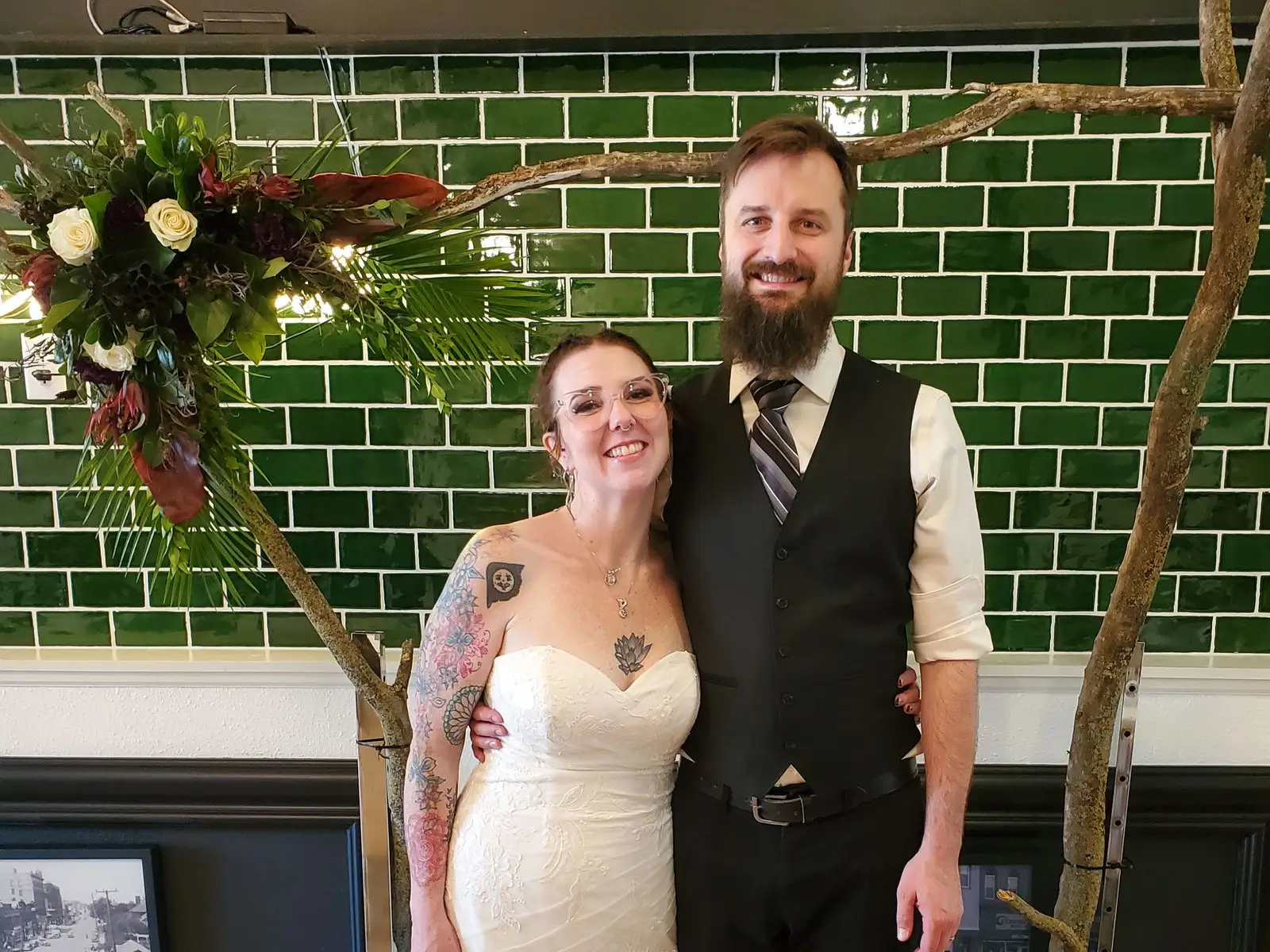
Our photographer was a no-call, no-show for our event, so we were completely reliant on the photos our friends and family took. GuestCam took a lot of the stress off knowing anyone could upload photos at any time. Easy to use, no surprise fees, and simple to organize everything into albums. I will happily share GuestCam with friends and family.
Pay once for your event with no monthly subscription or per-guest charges.
Your upload and storage windows begin on the event start date you choose, not the date you purchase.
Everything you need to collect and share event photos and videos in one private gallery.
More time, control, and organization for events that need the full GuestCam experience.
One QR code. Every guest photo and video in one private event gallery. Create your gallery in under two minutes, then share the QR code or link so guests can upload without downloading an app or creating an account.
Unlimited Guests
Unlimited Photo & Video Uploads
Up to 12 Months for Uploads
Up to 14 Months of Storage
Audio Guestbook Included
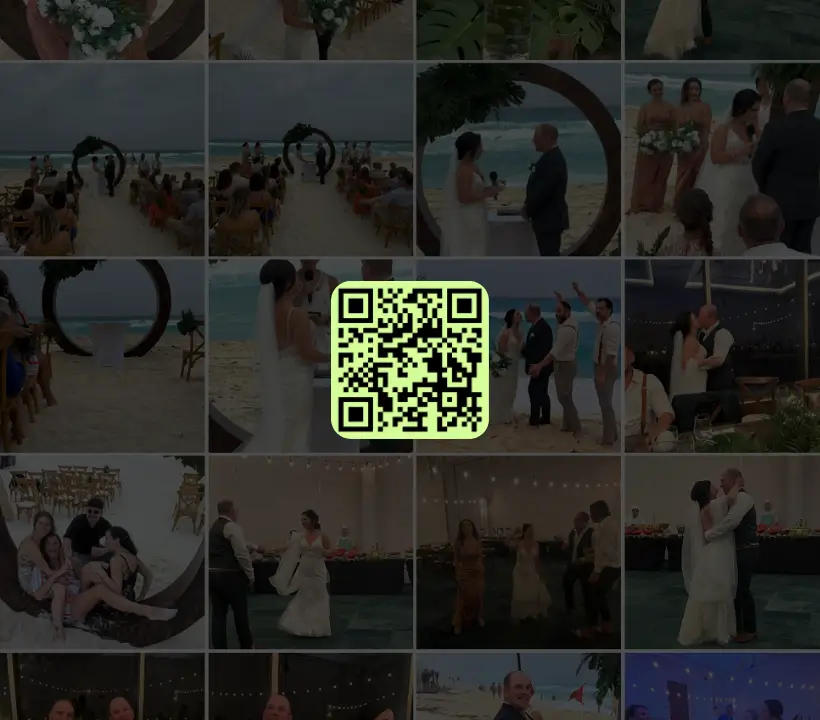

Scan the QR code or use the link below to step into the guest portal and see how easy it is for guests to join and upload.


