
Need Help?
You hired a photographer to capture everyone. Now let every guest actually find their photos. No more scrolling through hundreds of shots - just one selfie, and MagicFind builds their personal gallery in seconds.
Professional event photography creates a beautiful archive that almost nobody actually benefits from. MagicFind changes that.
Guests open your photo sharing page- either via QR Code or Link. No download required. It works in any mobile or desktop browser, just like the rest of GuestCam.
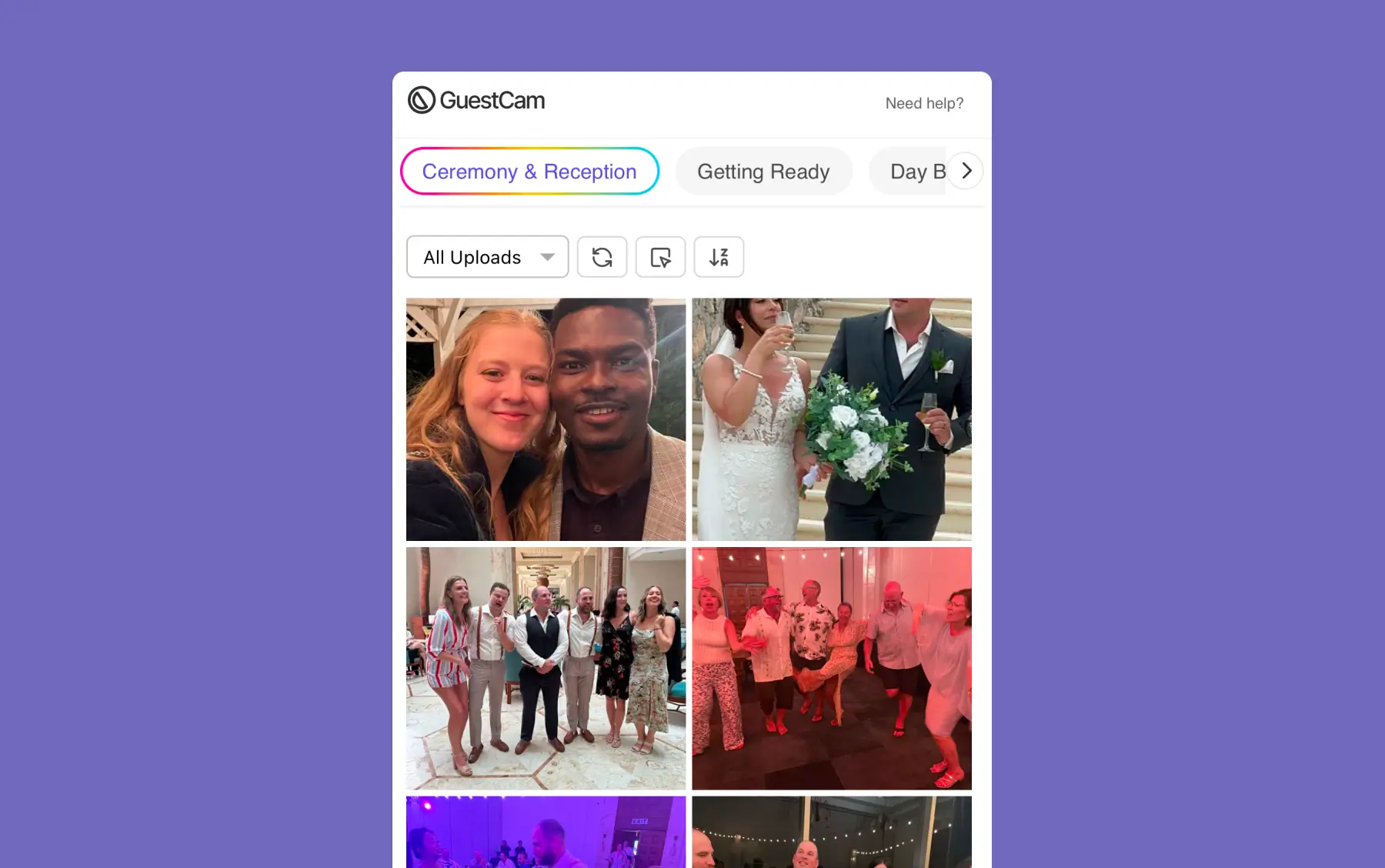
Guests take or upload a single selfie - with just their face. MagicFind uses that face to search through every photo in the event, across all galleries.

Results appear instantly as a photo gallery in the guest portal. Guests can download any or all of their photos directly from there.
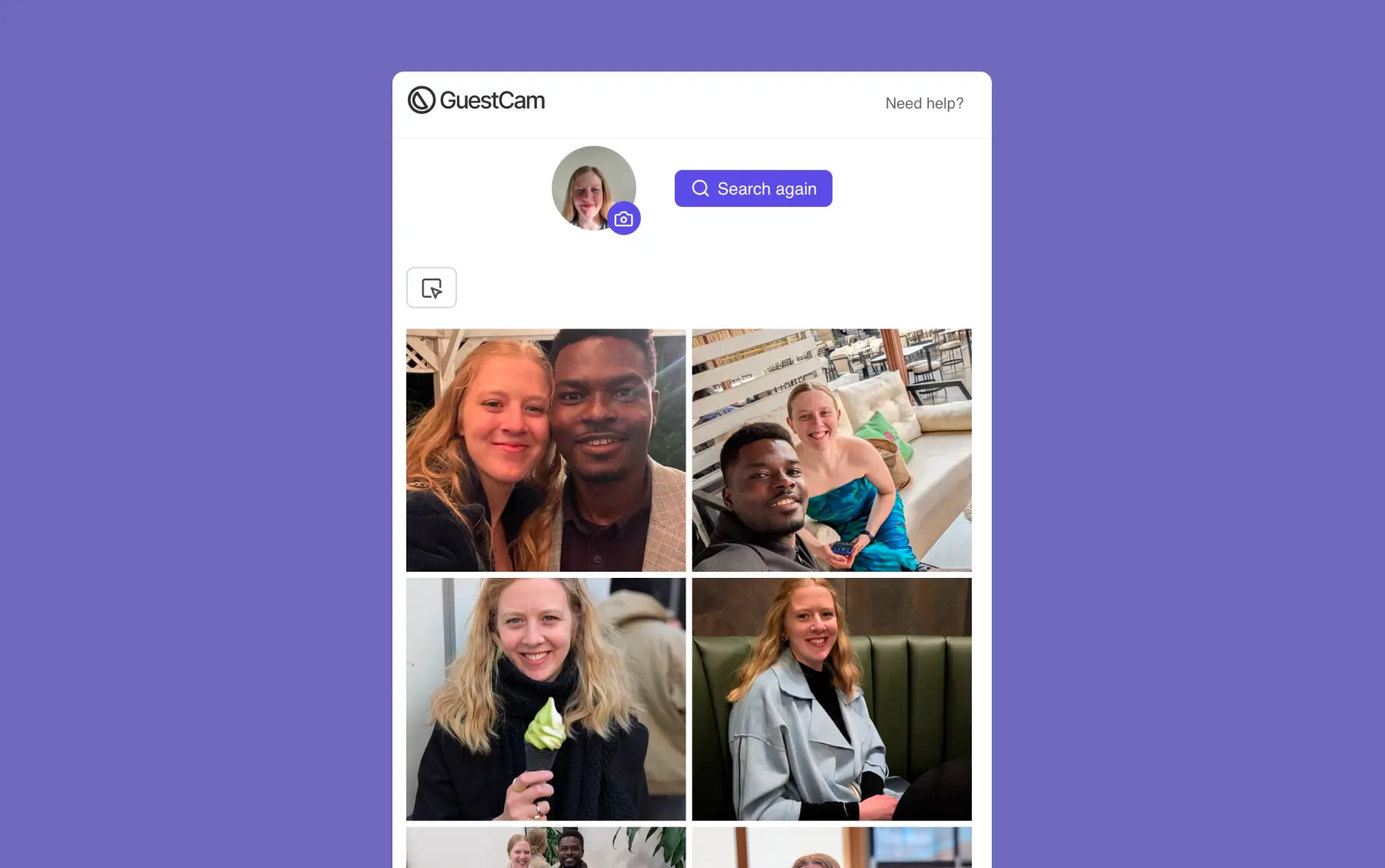
Hosts get a more powerful version of MagicFind from their account dashboard, useful for surfacing photos of speakers, VIPs, family members, or key attendees.
Add up to 50 different faces per event to search for.
Re-Search anytime. New photos uploaded after your initial search are included when you run it again.
Each face search returns its own personal gallery, just like the guest experience.
MagicFind works for wedding photo sharing and corporate events

It doesn't matter who uploaded the photo or where it came from. If it's in the event, MagicFind will search through it.
Photos delivered by a pro photographer through the host dashboard or guest portal are fully searchable. This is where MagicFind is most valuable.
Every candid, group shot, and behind-the-scenes moment submitted by guests through the portal is included in the search.
Photos you upload directly from the host dashboard, whether before, during, or after the event, are part of the searchable collection.
MagicFind is a one-time add-on for your event, available on any GuestCam plan. Add it at checkout or any time after your event is created.

Scan the QR code or use the link below to step into the guest portal and see how easy it is for guests to join and upload.



