Need Help?
Your guests are everywhere at once. Your photographer isn't. A QR code for wedding pictures lets them open your private online wedding album instantly and upload photos and videos straight from their browser.

Guests open their phone camera and scan the QR code displayed at your wedding venue. They do not need to download an app, create an account, or remember a password.
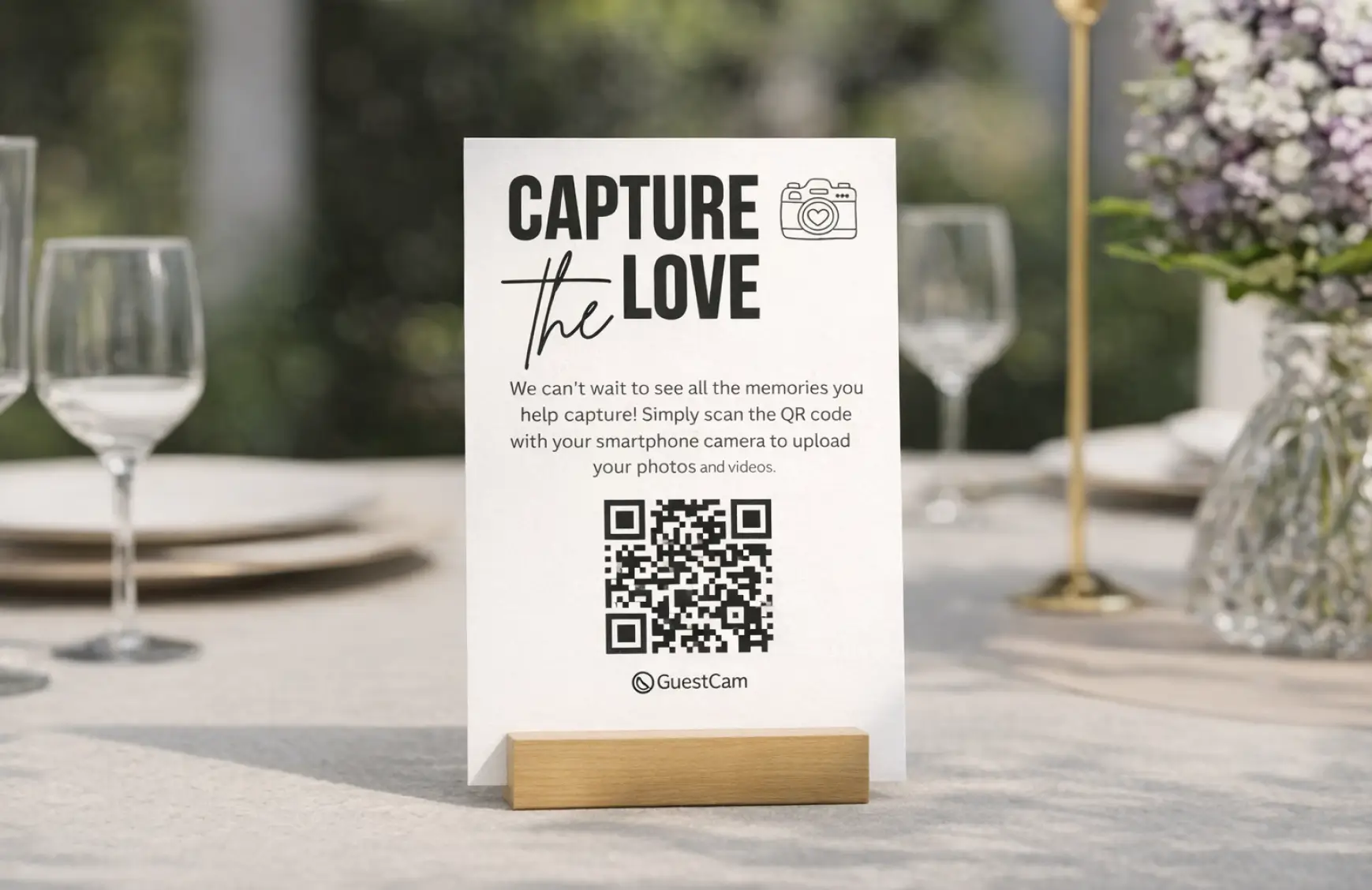
The QR code takes guests directly to your private gallery, where they can enter their name and view the photos and videos already shared.
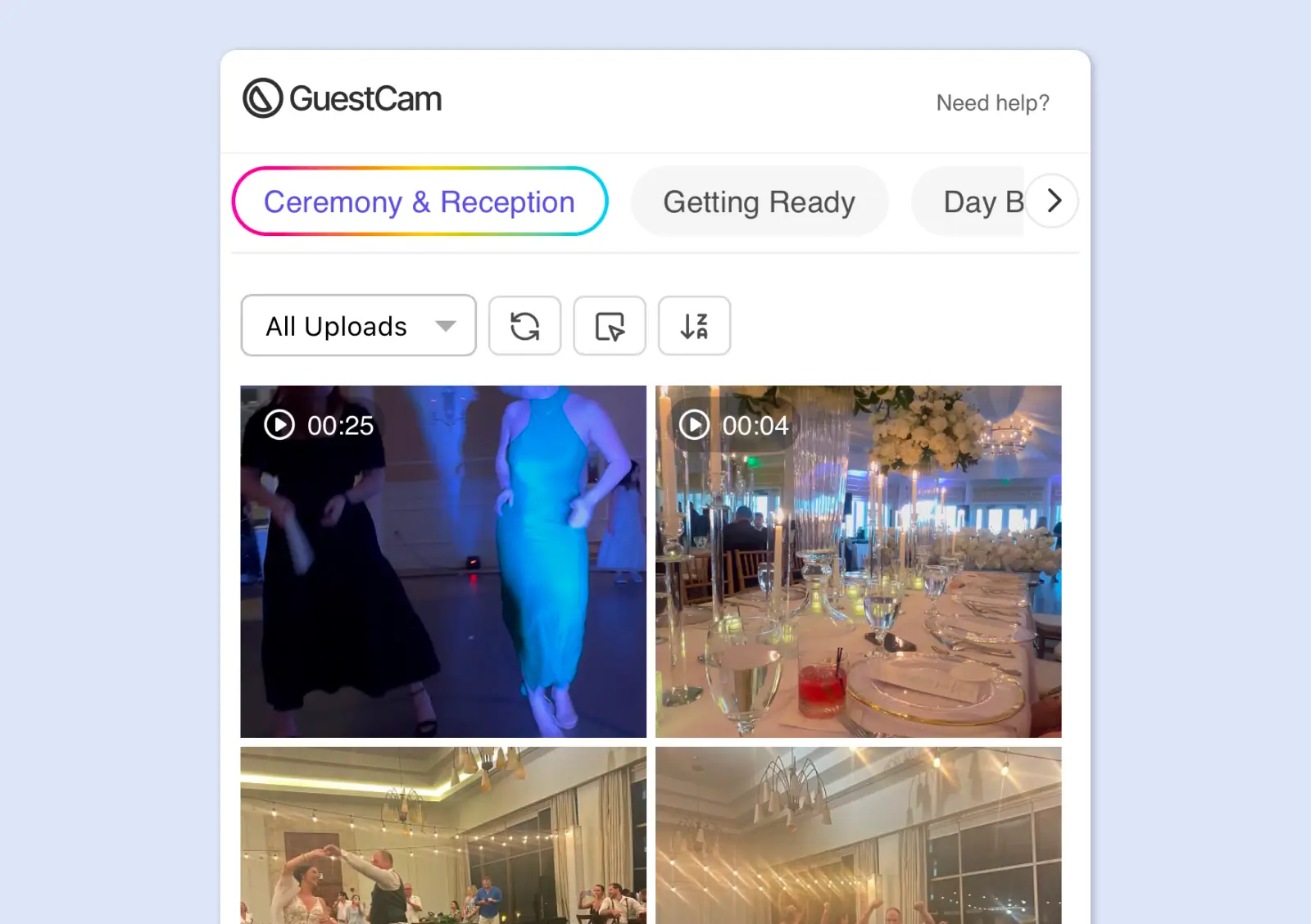
Guests choose photos and videos from their phone and upload them in seconds. Every upload appears in the shared gallery, ready for you and your guests to enjoy.
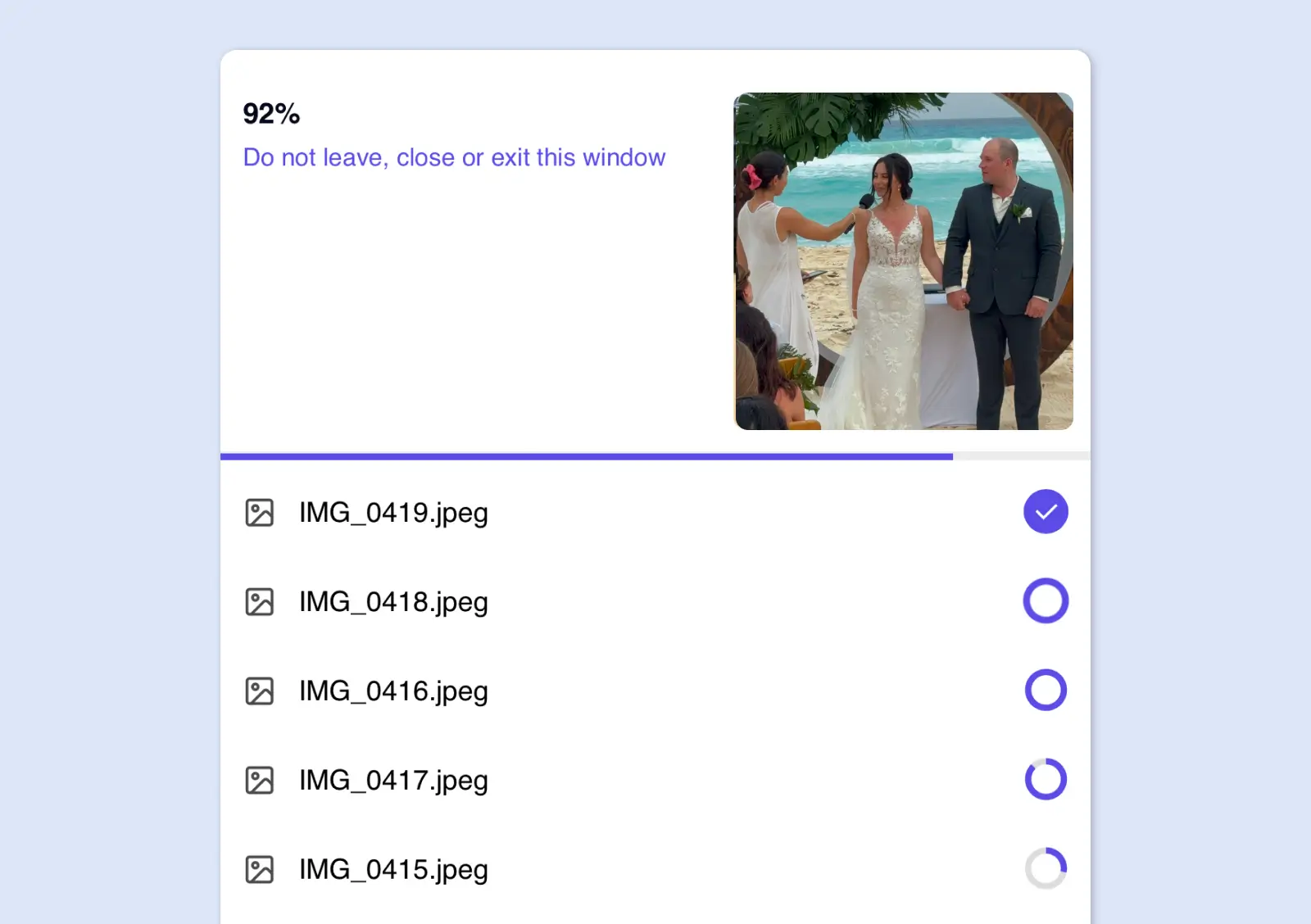
Create your private wedding gallery, download your QR code, and start collecting guest photos and videos in less than two minutes. Guests simply scan to upload, with no app or account required.
Add your wedding details and create a private gallery for all your guest photos and videos.
GuestCam automatically generates a unique QR code linked directly to your wedding gallery. If you'd like to customize your QR code to match your wedding theme, you can use our free QR code generator to adjust the colors.
Download your QR code and add it to your wedding signs, table cards, invitations, or programs.
Collect unlimited photos, videos, and voice messages in one private gallery. Keep every wedding moment organized, give guests up to 12 months to contribute, download everything in original quality, and use AI to find the photos you appear in.
Collect photos, videos, and voice messages from every guest, all in one place. GuestCam gives you a complete digital wedding guest book experience that goes far beyond a traditional guest book.

Guests can upload as many photos and videos as they capture. Everything is stored in full resolution and available to download as a single ZIP file whenever you are ready.
From your engagement party to the last dance, keep everything in one place. Use sub galleries to organize photos by occasion or separate guest uploads from your professional photographer's shots. You can also create multiple galleries, each with its own unique QR code and guest permissions, perfect for keeping different events separate.
Not every guest uploads during the event. With GuestCam, the gallery stays open for up to 12 months after your wedding, so guests can still share the photos they captured long after the celebration ends.
MagicFind lets guests take a quick selfie and instantly locate every photo they appear in across your entire wedding gallery, including shots taken by your professional photographer.

We had events all wedding weekend, and GuestCam made it so simple. Guests scanned the QR code, went straight to our wedding gallery, and uploaded high-resolution photos and videos with no app required.

For our three-day destination wedding, GuestCam made it easy to share the link before the event and use a QR code on our welcome card. That helped us collect hundreds of photos and enjoy so many memories before the professional proofs arrived.
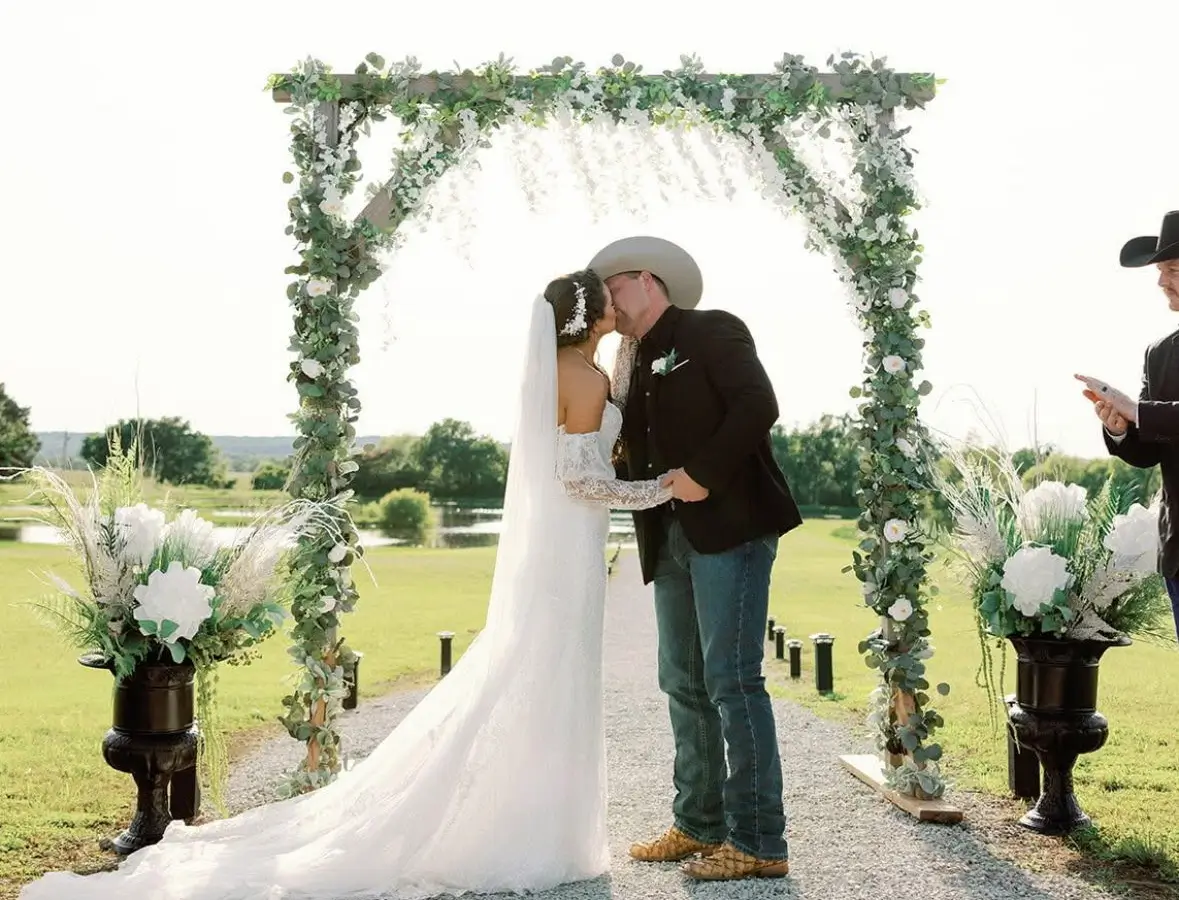
I researched many photo apps for weddings and decided on GuestCam. I couldn't be more pleased. The length of time to upload pics and videos, the custom QR code, the ease of using the app, the different tabs occasions and for the price made my choice easy.

For our destination wedding weekend on Mackinac Island, we shared GuestCam in our welcome bags and invited guests to be our ‘Guestographers.’ It was a huge hit. Guests loved that no app was required, and we ended up with so many amazing photos.
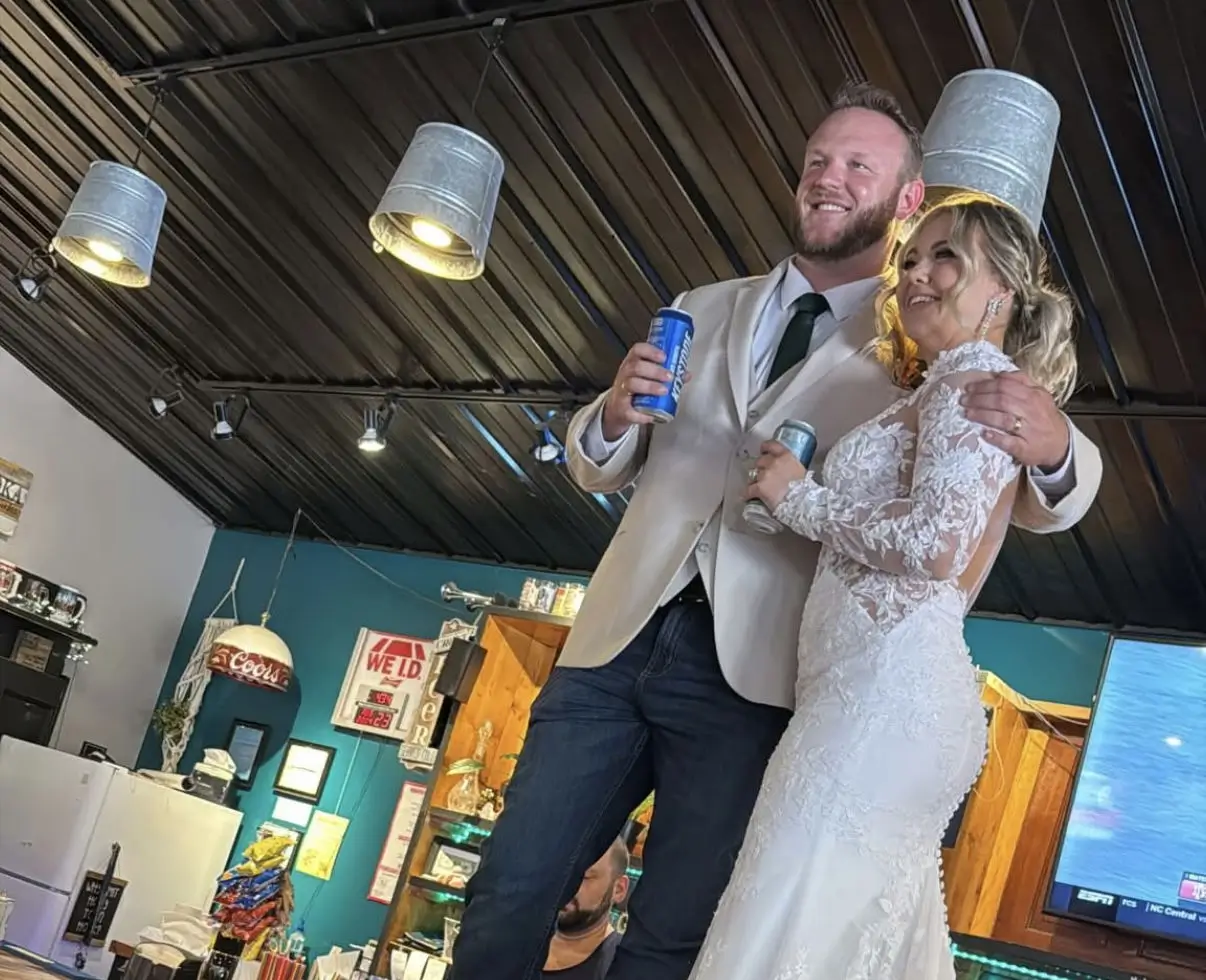
It was so quick and easy to set up and it saved me a lot of time and money! It was fun to watch everyone upload photos!
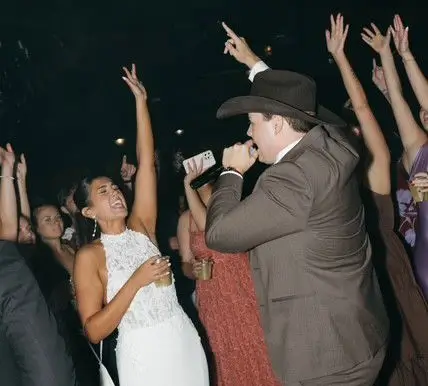
We used GuestCam at my daughter’s reception and posted QR code signs around the room so guests could upload photos and videos. It was a great way to save money while still capturing special memories in video and photo form.
To make it easy for guests to upload photos throughout your celebration, place your wedding photo QR code in areas where guests naturally gather. Visible placement encourages more guests to scan the QR code and share photos during the event.
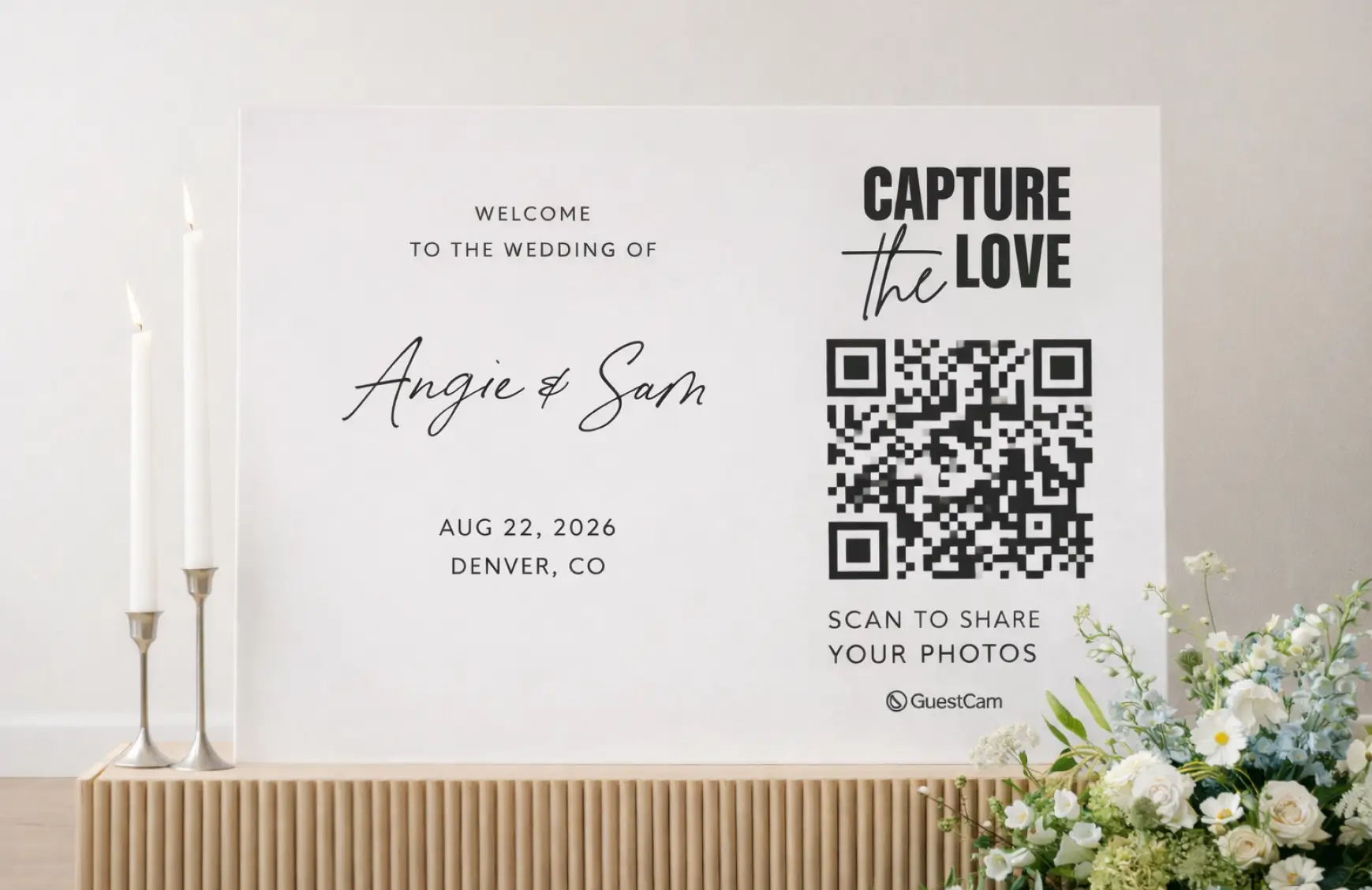
Place the QR code on your wedding welcome sign so guests can scan it as soon as they arrive at the venue.
Small QR code cards on reception tables make it easy for guests to upload photos during dinner and throughout the evening.
Including your wedding photo QR code in ceremony programs gives guests another simple way to access the gallery.
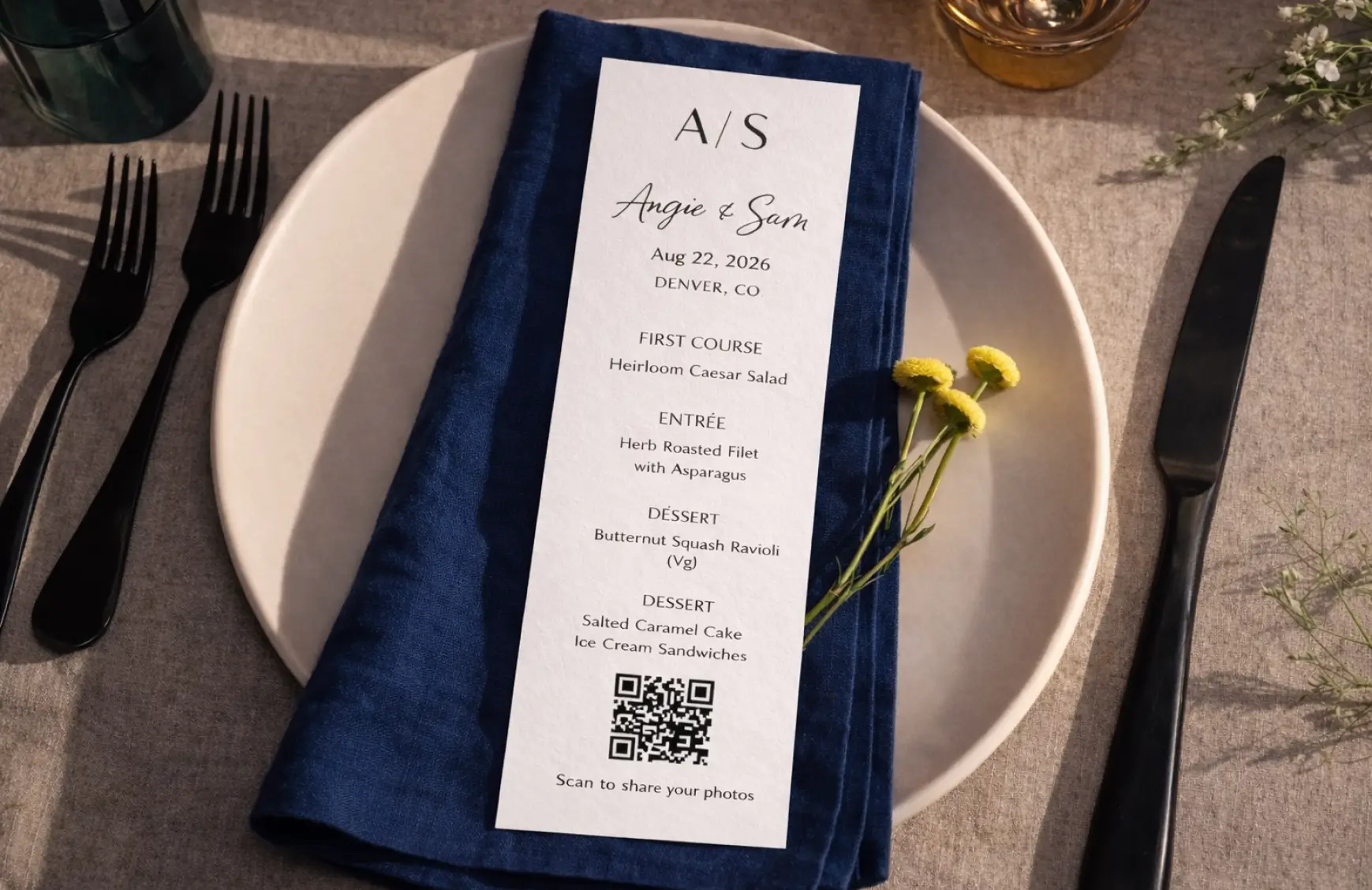
Guests often gather around the bar, making it another high-visibility place to display your QR code.

Add your wedding photo QR code to your post-event thank you cards so guests who didn’t upload photos during the celebration can still share the pictures and videos they captured.

Make it easier for guests to notice, scan, and upload. A few simple changes can significantly increase how many wedding photos they share.
A quick reminder from the DJ, MC, or officiant can help more guests notice the QR code and remember to use it.

Do not rely on just one sign. Place your wedding photo QR code at the welcome area, on reception tables, near the bar, and anywhere guests naturally gather.

Some guests take great photos but forget to upload them during the celebration. Sharing the QR code again after the wedding gives them another easy chance to contribute. With GuestCam, guests can even opt in to a reminder so they can upload later.

Start with a ready-made wedding sign template, add the QR code linked to your GuestCam gallery, and personalize the wording, colors, and design to match your wedding.
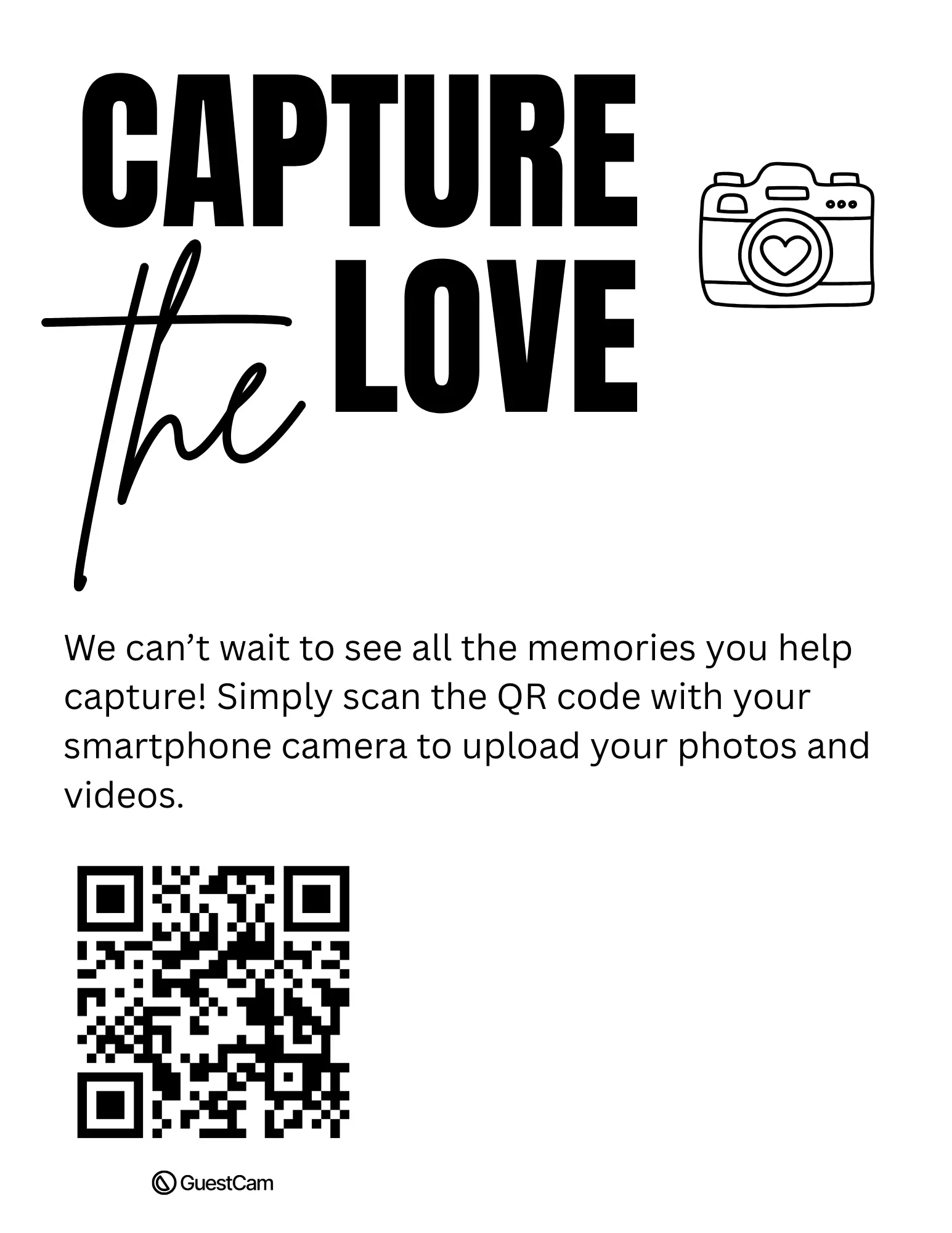

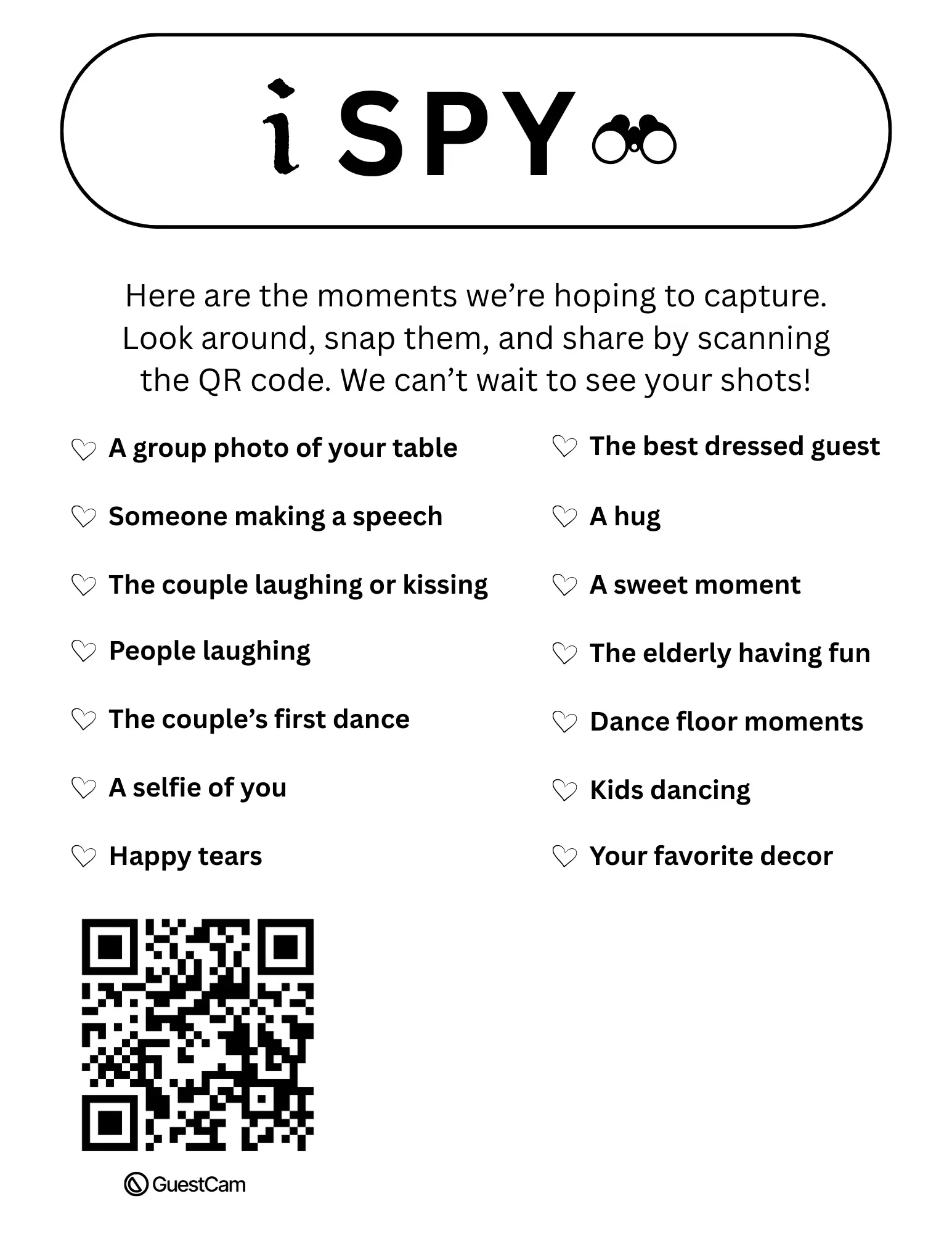
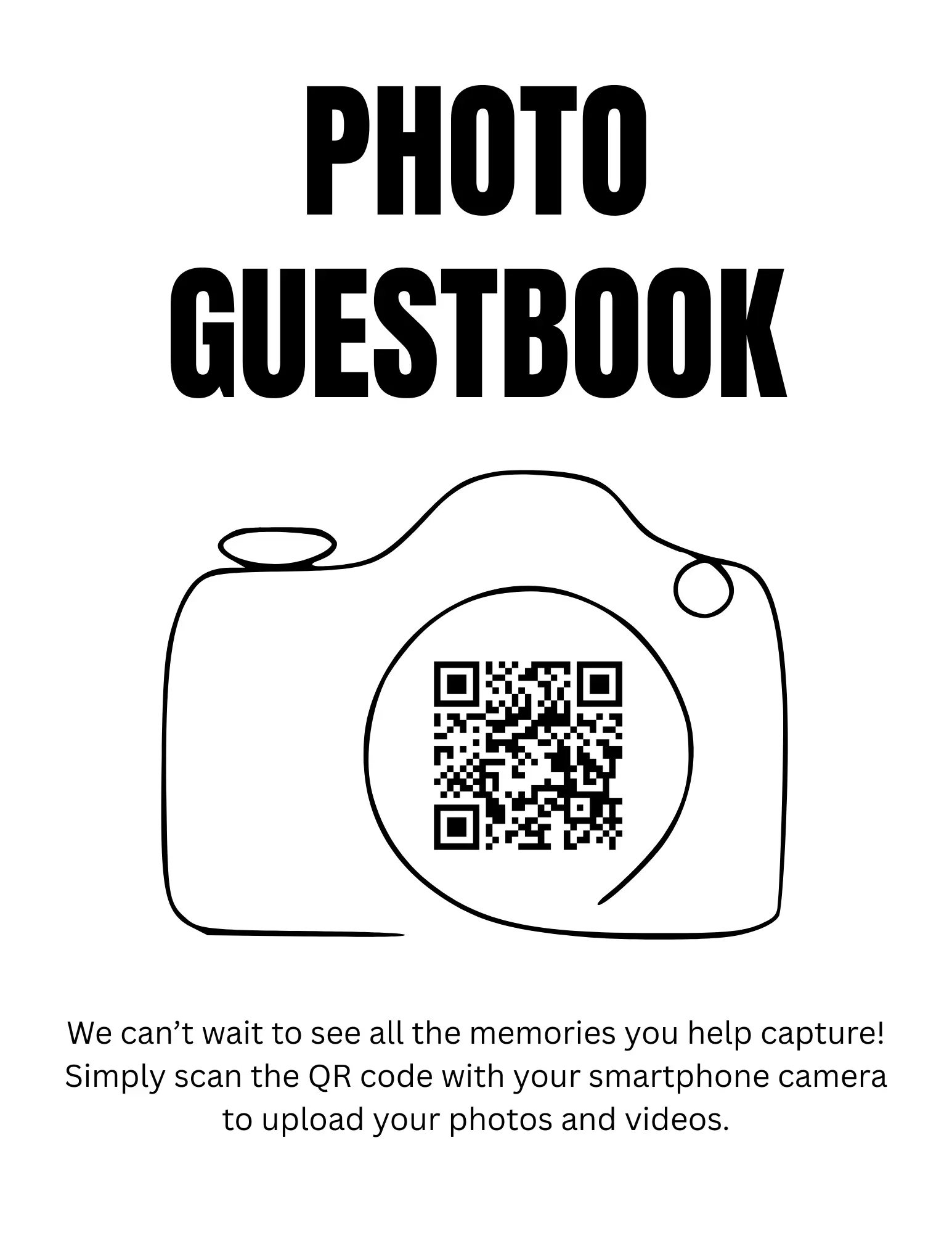
Make it easy for guests to scan, upload, and share wedding photos and videos in one private gallery. No app required.
Unlimited Guests
Unlimited Photo & Video Uploads
Up to 12 Months for Uploads
Up to 14 Months of Storage
Audio Guestbook Included
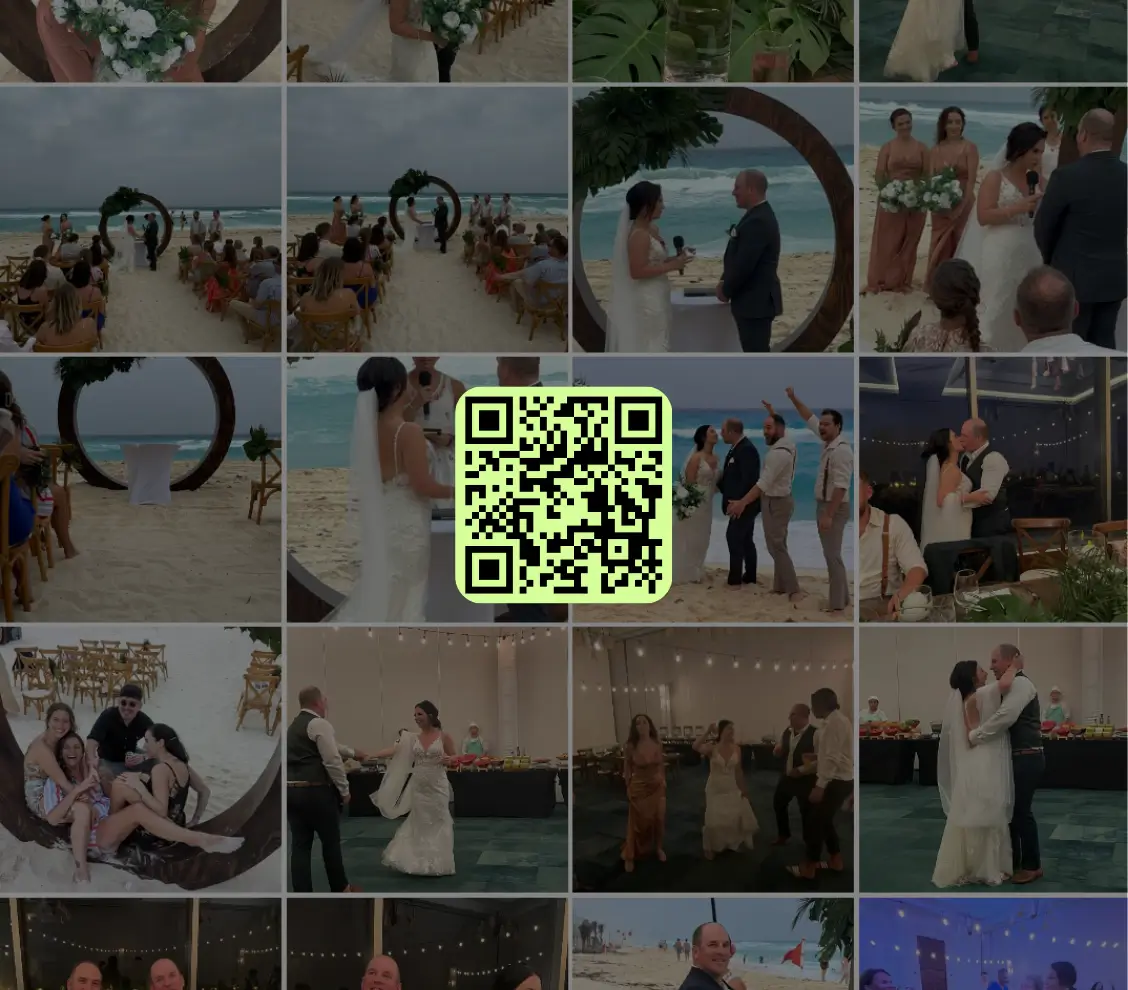

Scan the QR code or use the link below to step into the guest portal and see how easy it is for guests to join and upload.