
Need Help?
Collect every photo and video your guests capture in one private digital wedding album. Guests scan your wedding photo QR code or open the private link to upload directly from their phones, with no app download or account required, so you can relive your wedding from every perspective.

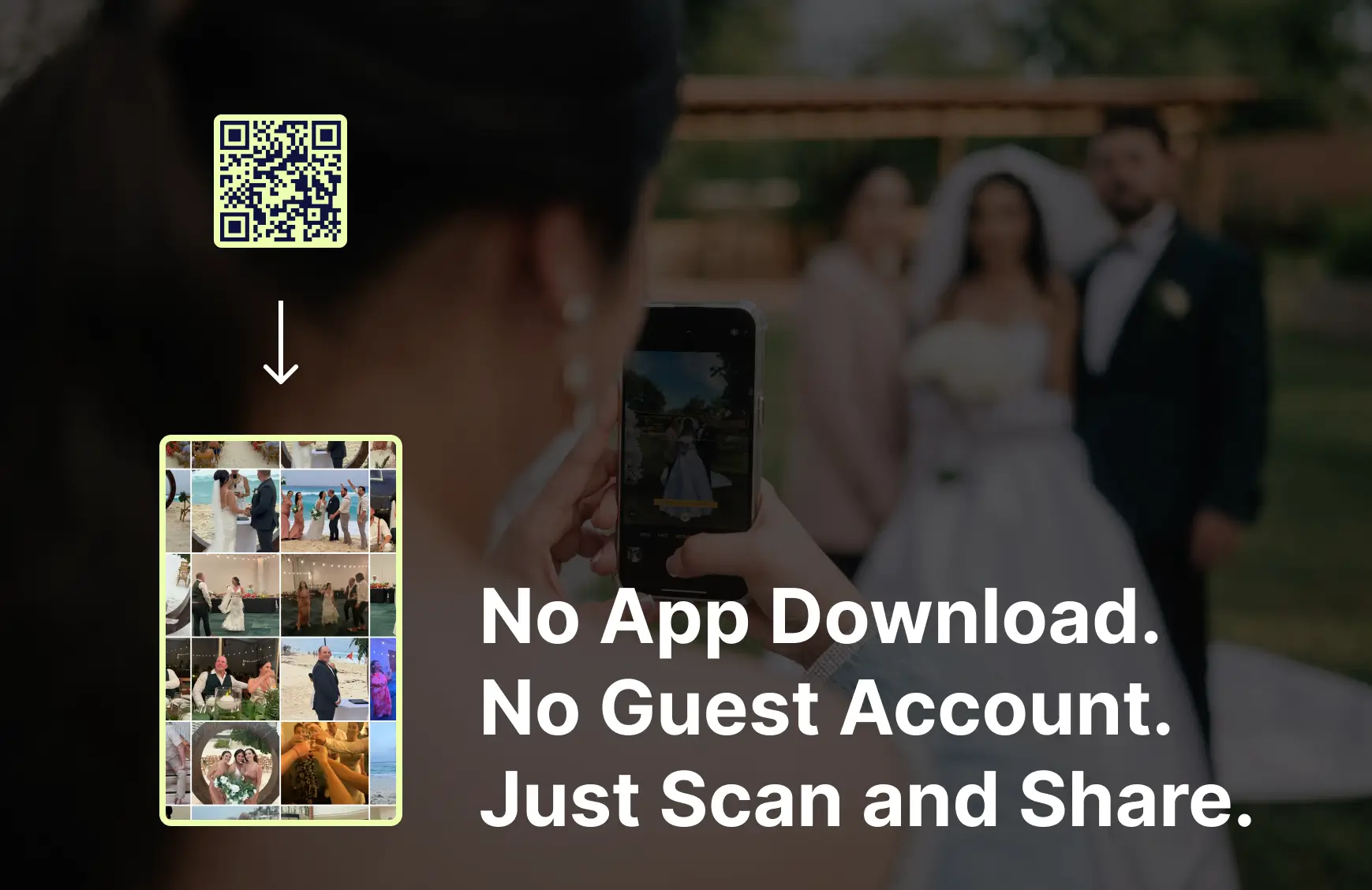
Your guests capture candid moments from every part of your wedding, including ones you may never see. Without one place to share them, those photos and videos can stay on individual phones or become scattered across texts, group chats, and social media.
GuestCam lets you collect every guest photo and video in one private wedding photo-sharing gallery. Guests scan your QR code for wedding pictures or open the private link to upload from their phones, with no app or account required. Instead of chasing down files after the celebration, you can view, organize, and download moments from the ceremony, reception, and entire wedding weekend.
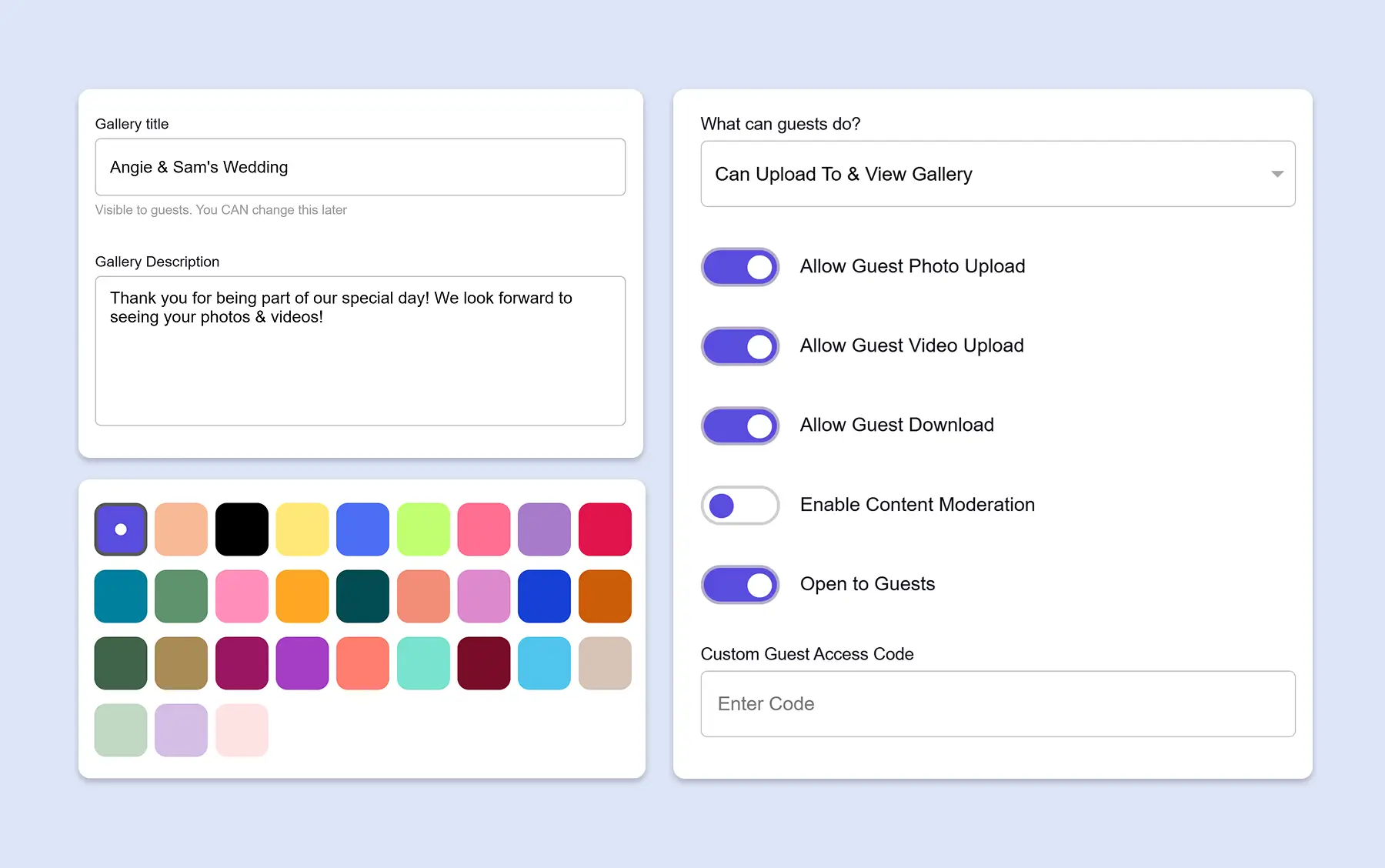
Set up your private wedding photo-sharing gallery in less than two minutes. Customize the design, choose what guests can view or upload, then download your unique wedding photo QR code and private link for signs, invitations, programs, or table cards.
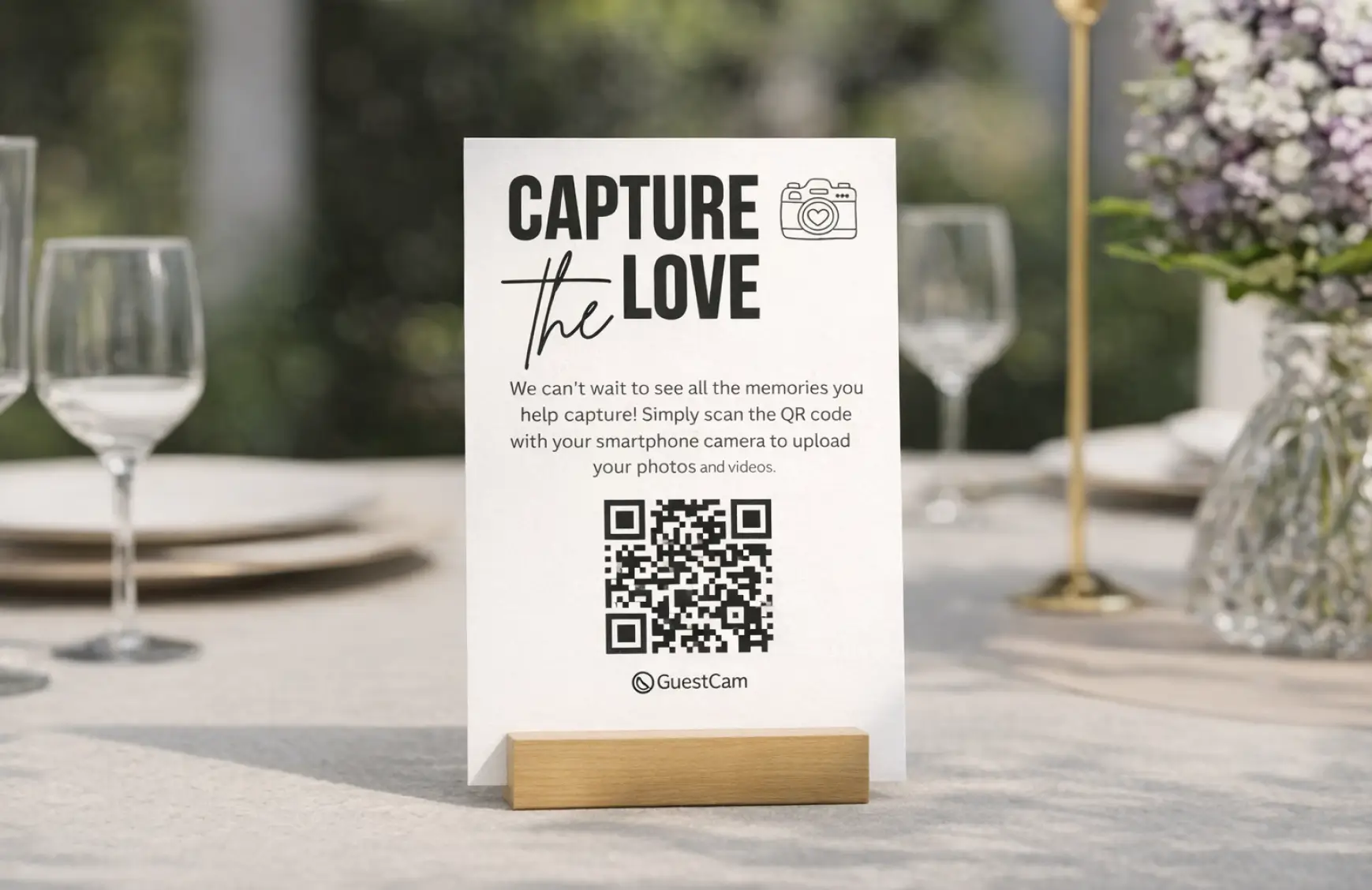
Guests scan the QR code or tap the private link to open your wedding gallery in their browser. No app download, account, or password is required. They can view what has already been shared and upload wedding photos and videos directly from their phones.
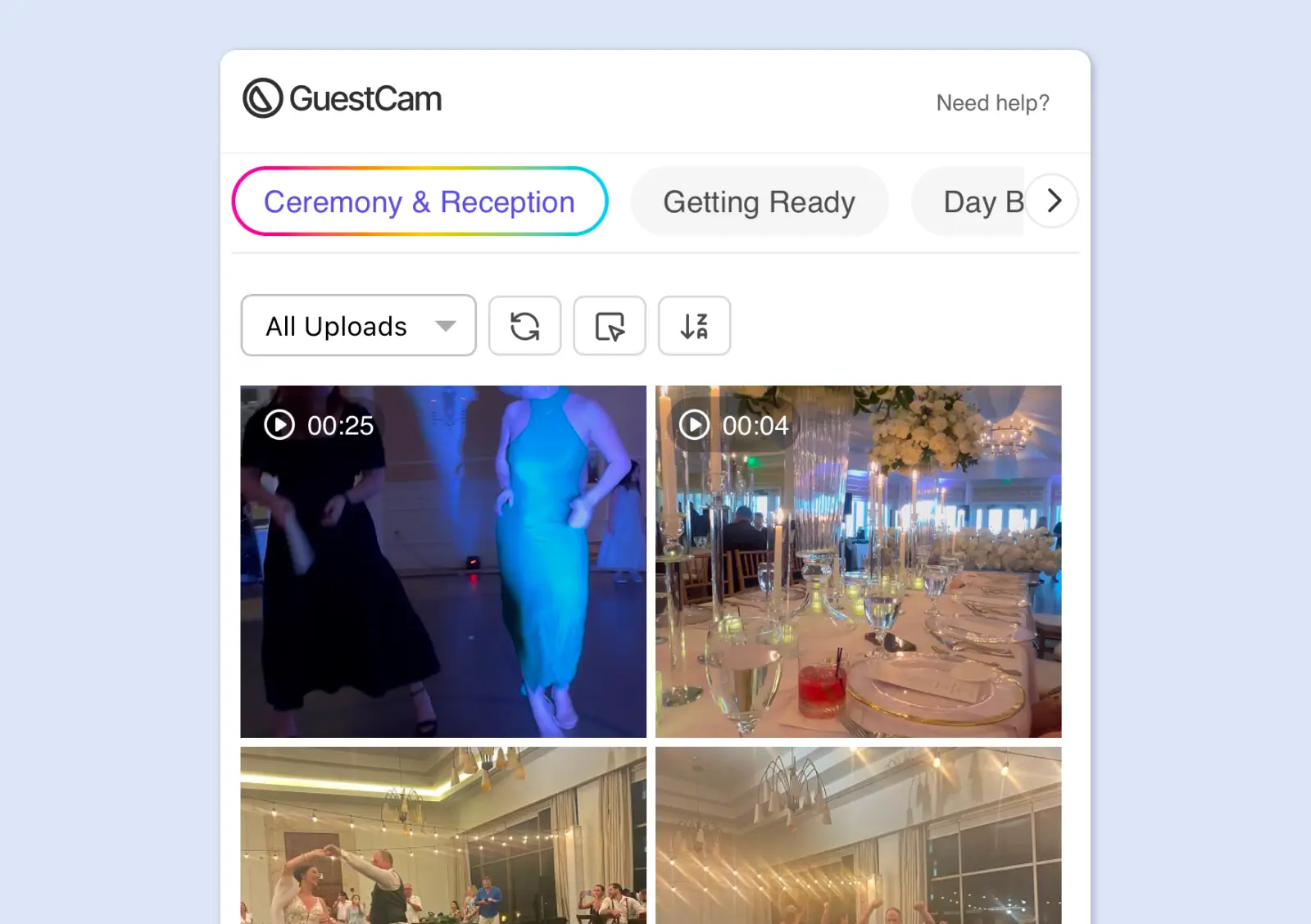
Every guest photo and video appears in your shared wedding album as it is uploaded, bringing together the moments you saw and the candid ones you missed. After the celebration, download all your full-resolution wedding photos and videos in one organized ZIP file.
Couples need a wedding photo-sharing platform that guests will actually use and that keeps every memory private, organized, and easy to preserve. GuestCam combines app-free guest uploads with original-quality files, flexible galleries, and more time for everyone to contribute.
GuestCam gives you the convenience of a wedding photo-sharing app without requiring guests to download one. They simply scan your wedding QR code or open the private link to upload from their browser, with no account or password.
Guests can upload as many photos and videos as they capture. Every file is stored in its original resolution and can be downloaded with the rest of your wedding gallery as an organized ZIP file.
Choose what guests can view or upload while keeping your wedding memories in one private place. Use sub-galleries to organize the welcome party, rehearsal dinner, ceremony, reception, and other wedding-weekend events. You can also create multiple galleries with their own QR codes and guest permissions.
Collect guest photos, videos, and voice messages in one place. GuestCam turns your private wedding gallery into a digital wedding guest book that preserves more than signatures on a page.
Not every guest will upload during the celebration. GuestCam can keep your gallery open for uploads for up to 12 months, giving friends and family plenty of time to share the photos and videos they captured.
MagicFind lets guests take a quick selfie and instantly locate the photos they appear in across your wedding gallery, including photos uploaded by your professional photographer.
Guests can comment on photos and videos, respond with five different reactions, and revisit everything they have reacted to in one place. It gives friends and family another way to enjoy the memories together as they are shared.
Display photos and videos as guests upload them throughout the celebration. GuestCam’s live Slideshow lets everyone at the venue enjoy those moments together as they happen.
GuestCam’s guest portal supports 17 languages, making it easier for friends and family from different backgrounds to navigate the gallery and share their photos and videos.
Google Photos, Dropbox, group chats, and social media can all be used to collect wedding pictures, but they are not designed around wedding guest uploads. Depending on the tool, guests may need an account, folder access, or additional instructions, while photos can end up buried in message threads or social posts.

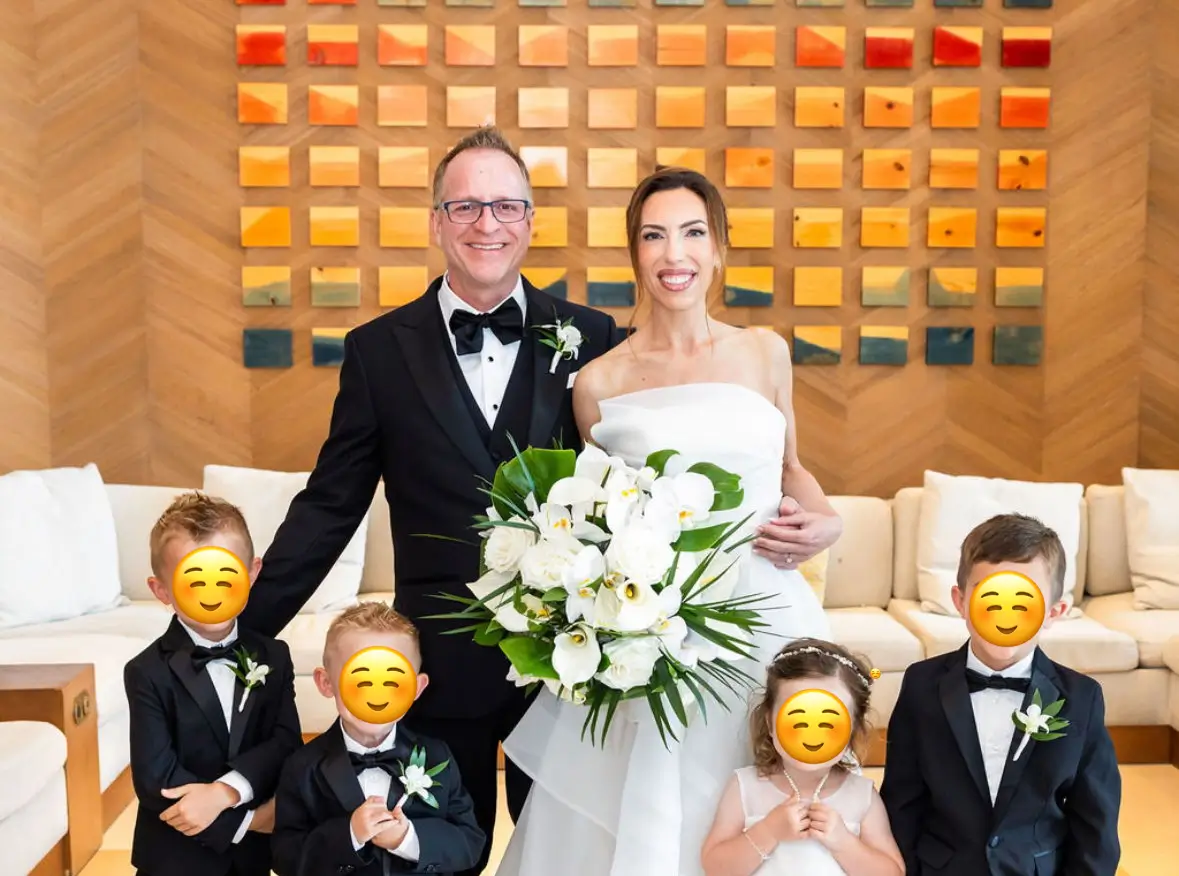
We had events all wedding weekend, and GuestCam made it so simple. Guests scanned the QR code, went straight to our wedding gallery, and uploaded high-resolution photos and videos with no app required.

For our three-day destination wedding, GuestCam made it easy to share the link before the event and use a QR code on our welcome card. That helped us collect hundreds of photos and enjoy so many memories before the professional proofs arrived.
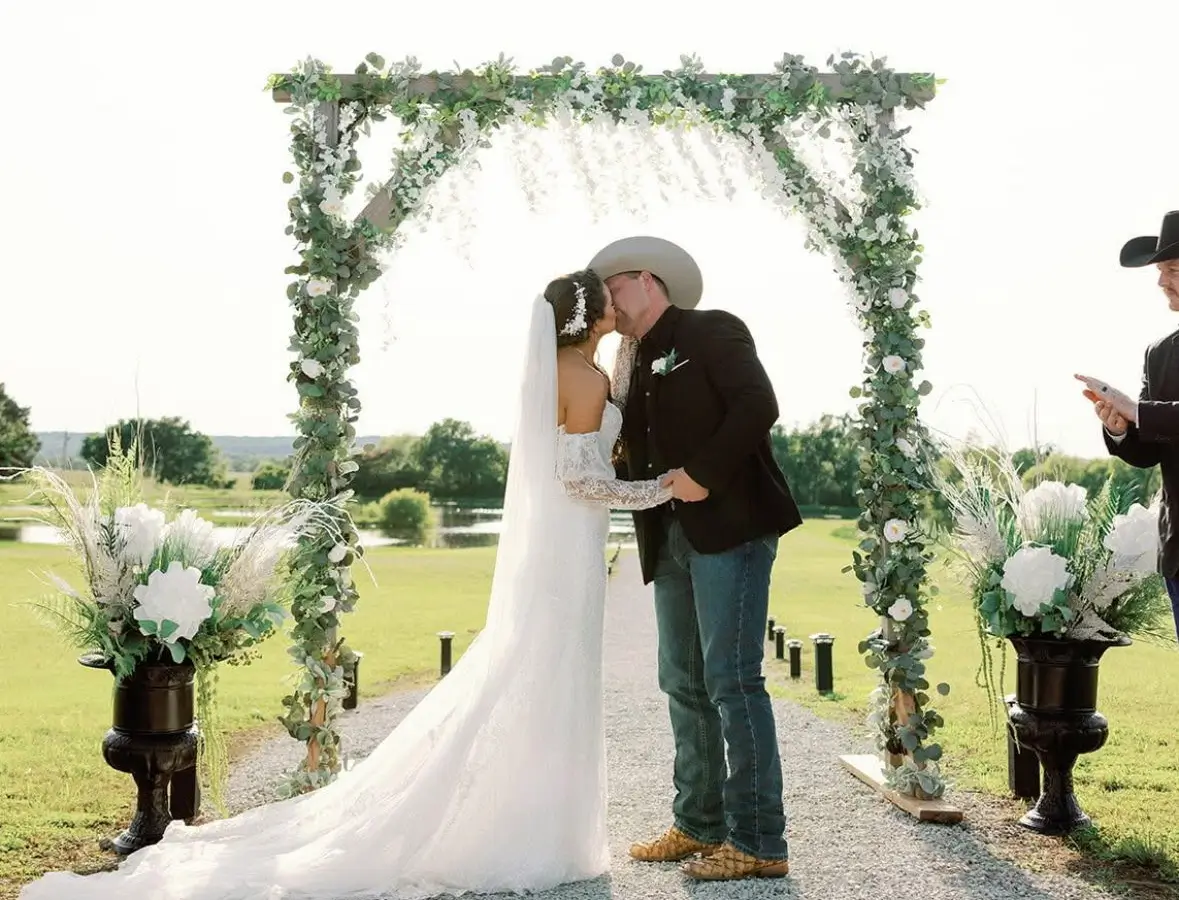
I researched many photo apps for weddings and decided on GuestCam. I couldn't be more pleased. The length of time to upload pics and videos, the custom QR code, the ease of using the app, the different tabs occasions and for the price made my choice easy.

For our destination wedding weekend on Mackinac Island, we shared GuestCam in our welcome bags and invited guests to be our ‘Guestographers.’ It was a huge hit. Guests loved that no app was required, and we ended up with so many amazing photos.

It was so quick and easy to set up and it saved me a lot of time and money! It was fun to watch everyone upload photos!
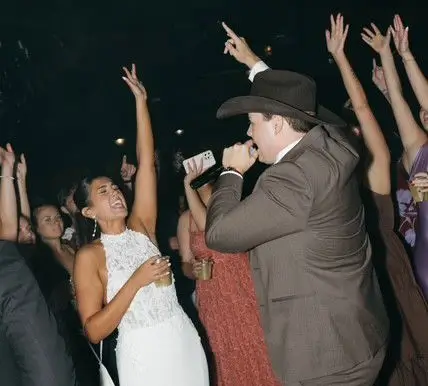
We used GuestCam at my daughter’s reception and posted QR code signs around the room so guests could upload photos and videos. It was a great way to save money while still capturing special memories in video and photo form.
Every GuestCam plan gives you a private wedding photo gallery with its own QR code and link, unlimited guests, and unlimited photo and video uploads. Choose the upload and storage window that fits your wedding, then pay once with no monthly fees or per-guest charges.
Your upload and storage windows begin on your wedding date, not your purchase date, so you can create your gallery and wedding QR code early without losing any time.
Everything you need to collect and share wedding photos and videos, with 6 months for guests to upload and 12 months of storage.
The full GuestCam experience with more upload and storage time, more control, more Main Galleries, and more ways to organize and customize.
From welcome signs and reception tables to wedding programs and thank-you cards, there are plenty of natural places to display your QR code for wedding photos. Making it easy to spot helps more guests scan, upload their photos and videos, and contribute to your shared wedding gallery.
Place your wedding photo QR code on the welcome sign so guests can scan it as soon as they arrive at the venue.
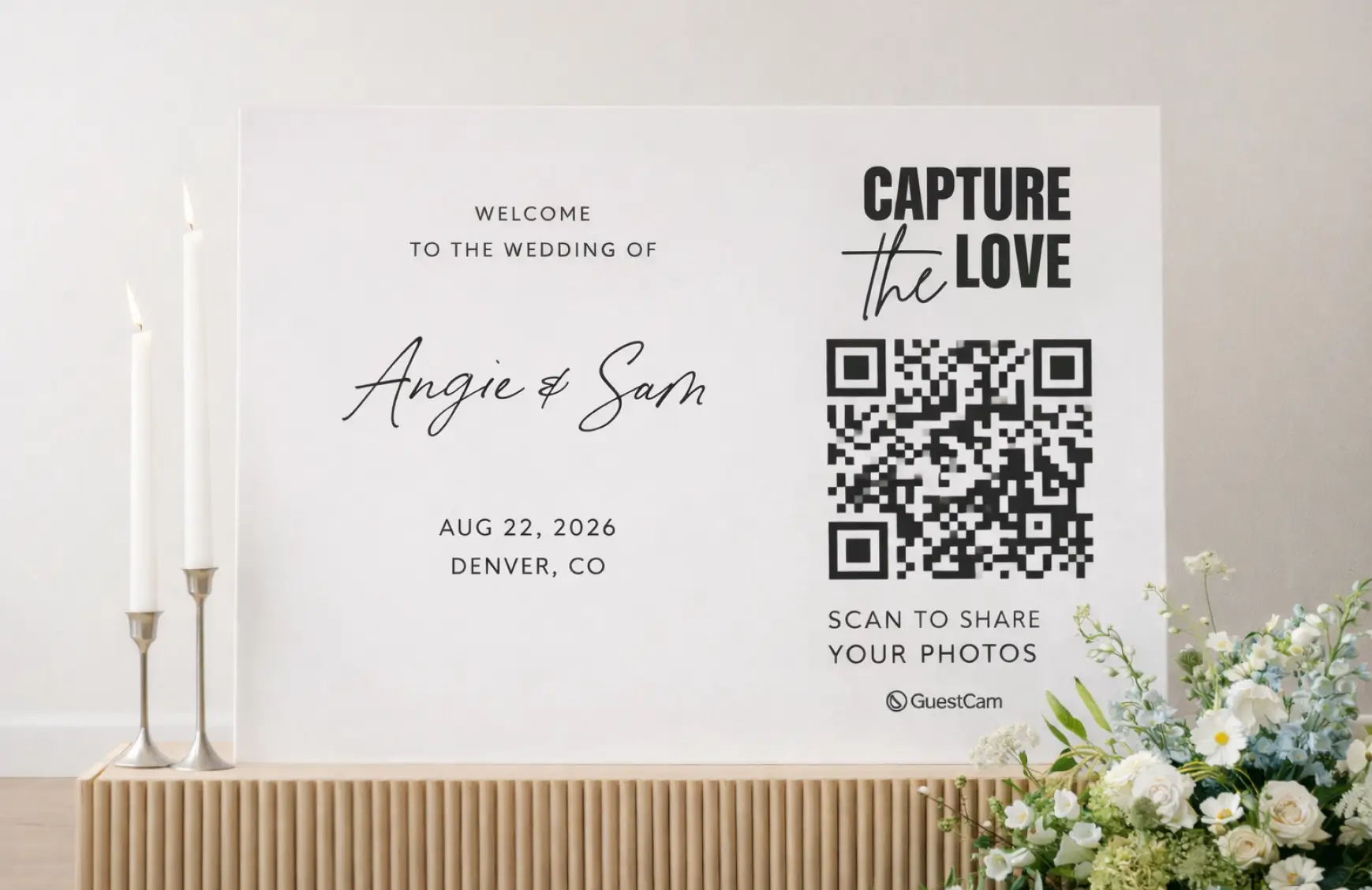
Display small QR code cards on reception tables so guests can upload photos during dinner and throughout the celebration.
Include the QR code in your ceremony programs to give guests another simple way to open the shared wedding gallery.
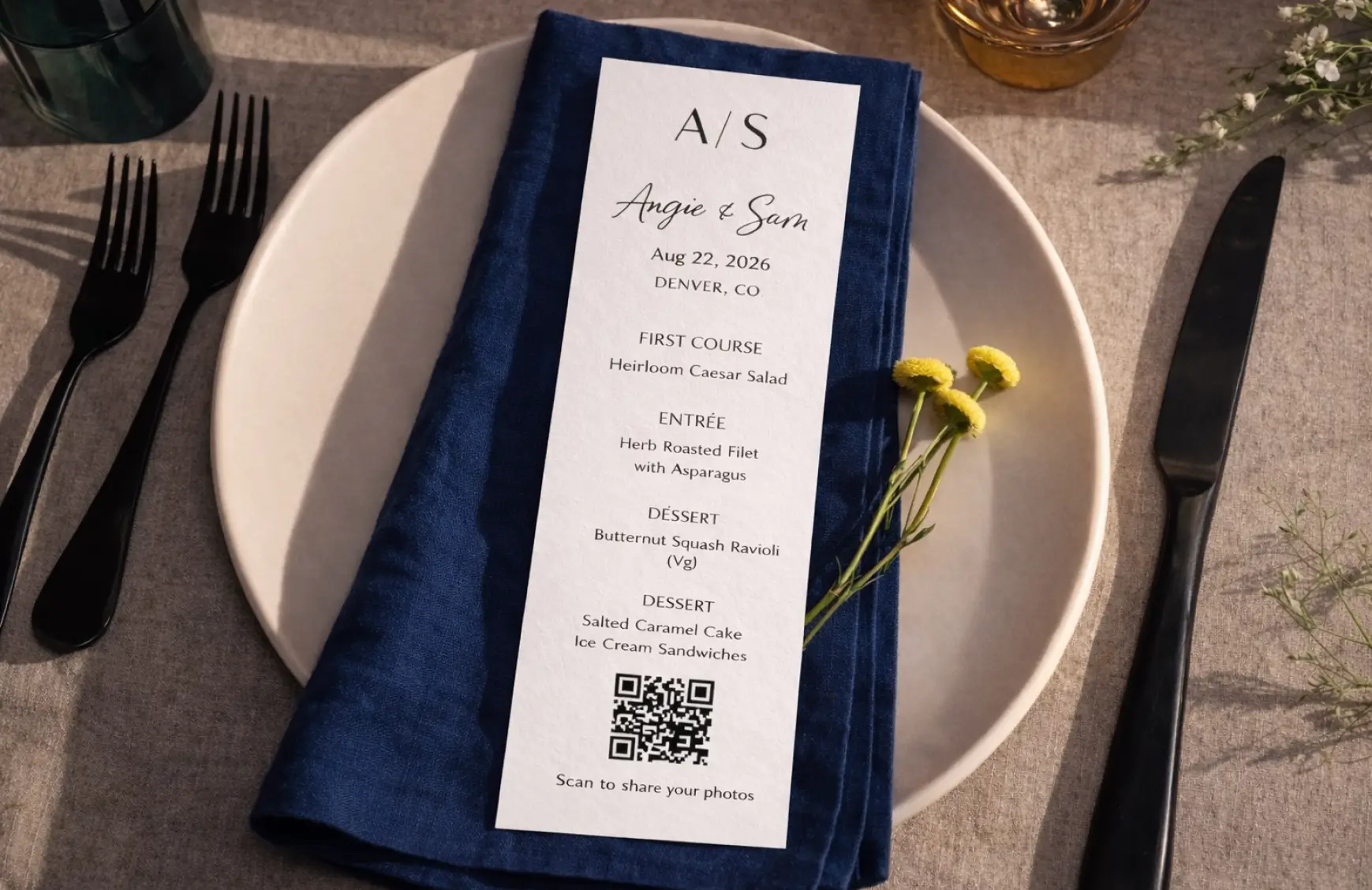
Place a QR-code sign near the bar or lounge, where guests naturally gather throughout the reception.

Add the wedding photo QR code or private gallery link to your thank-you cards so guests who forgot during the celebration can still upload the pictures and videos they captured.

Make your wedding photo QR code easy to notice and give guests a few reminders to use it. These simple prompts can help you collect more guest photos and videos during the celebration and after the wedding.
Ask your DJ, MC, or officiant to briefly tell guests about the shared wedding gallery and where they can scan the QR code to upload their photos and videos.

Do not rely on a single sign. Display the QR code at the welcome area, on reception tables, near the bar, and anywhere else guests naturally gather.

Some guests take great photos but forget to upload them during the celebration. Share your wedding QR code or private gallery link again after the wedding. GuestCam can also remind guests who choose to upload later.

Your GuestCam gallery includes free, editable QR code sign templates and a simple built-in sign generator. Add the QR code for your wedding photos, customize the wording and colors to match your celebration, and create signs for welcome areas, reception tables, and other places around your venue. They give guests a clear reminder to scan and share their photos and videos.
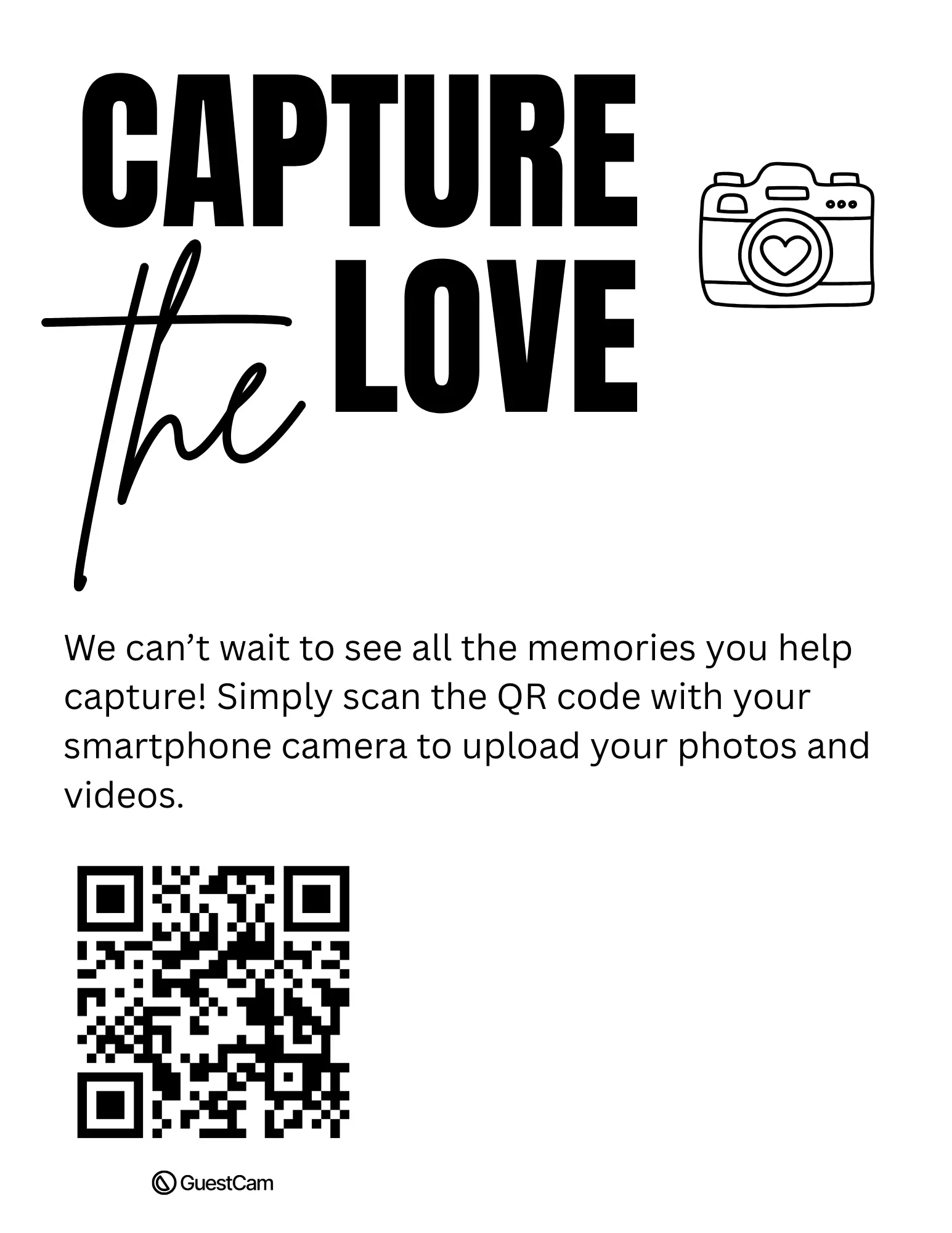

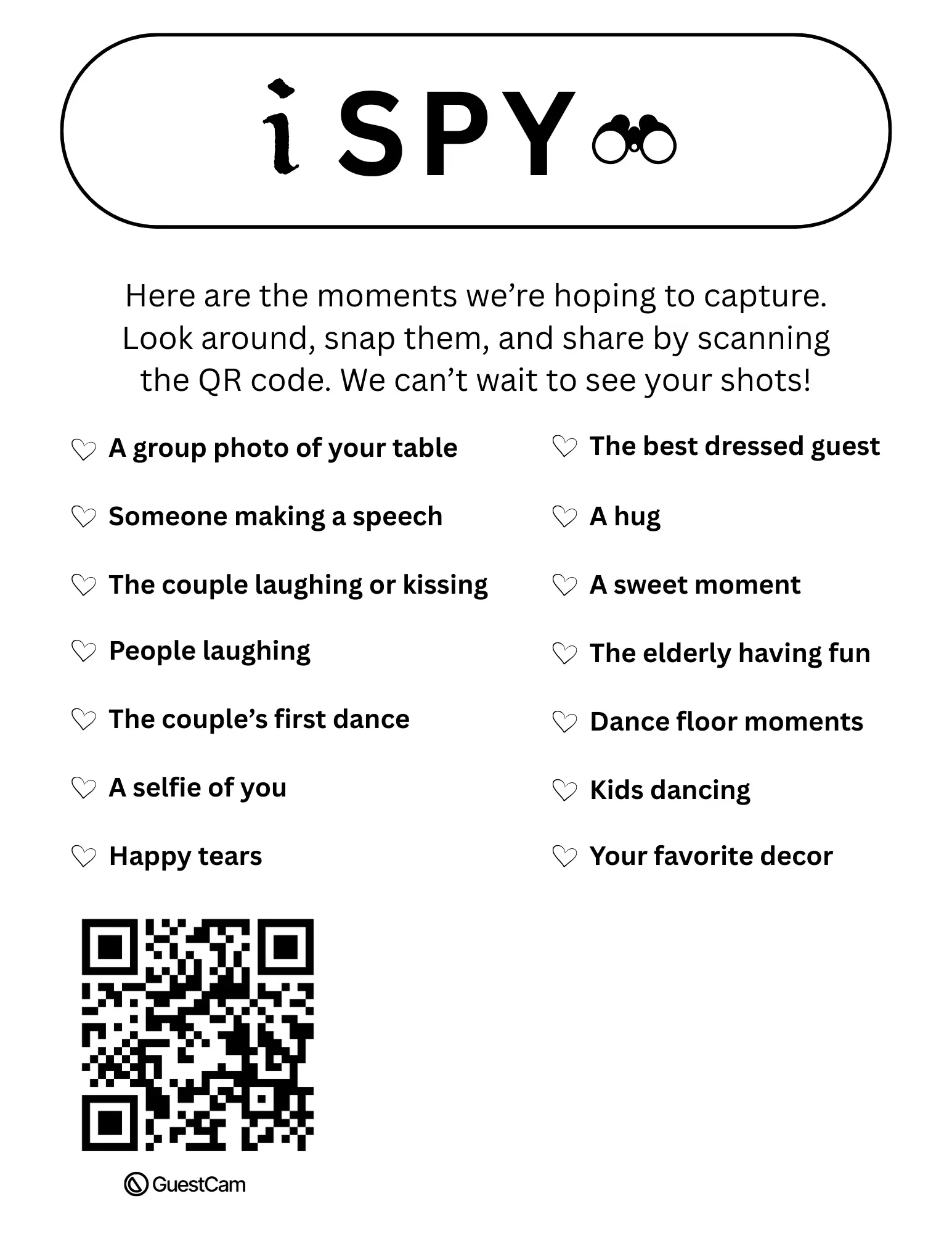
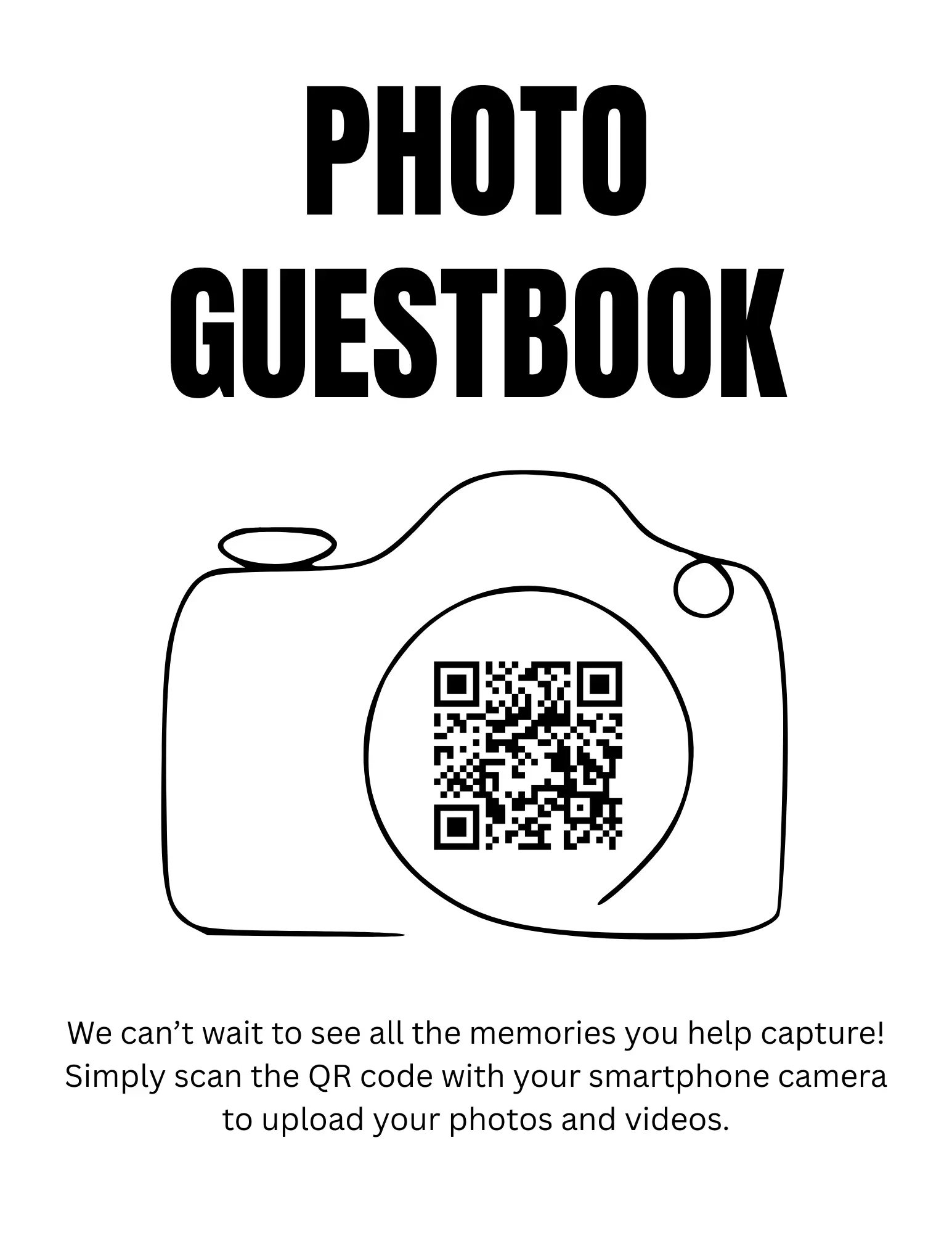
Give guests one simple place to upload wedding photos and videos from any phone. Everything stays together in your private wedding gallery, with no app download or guest account required.
Unlimited Guests
Unlimited Photo & Video Uploads
Up to 12 Months for Uploads
Up to 14 Months of Storage
Audio Guestbook Included
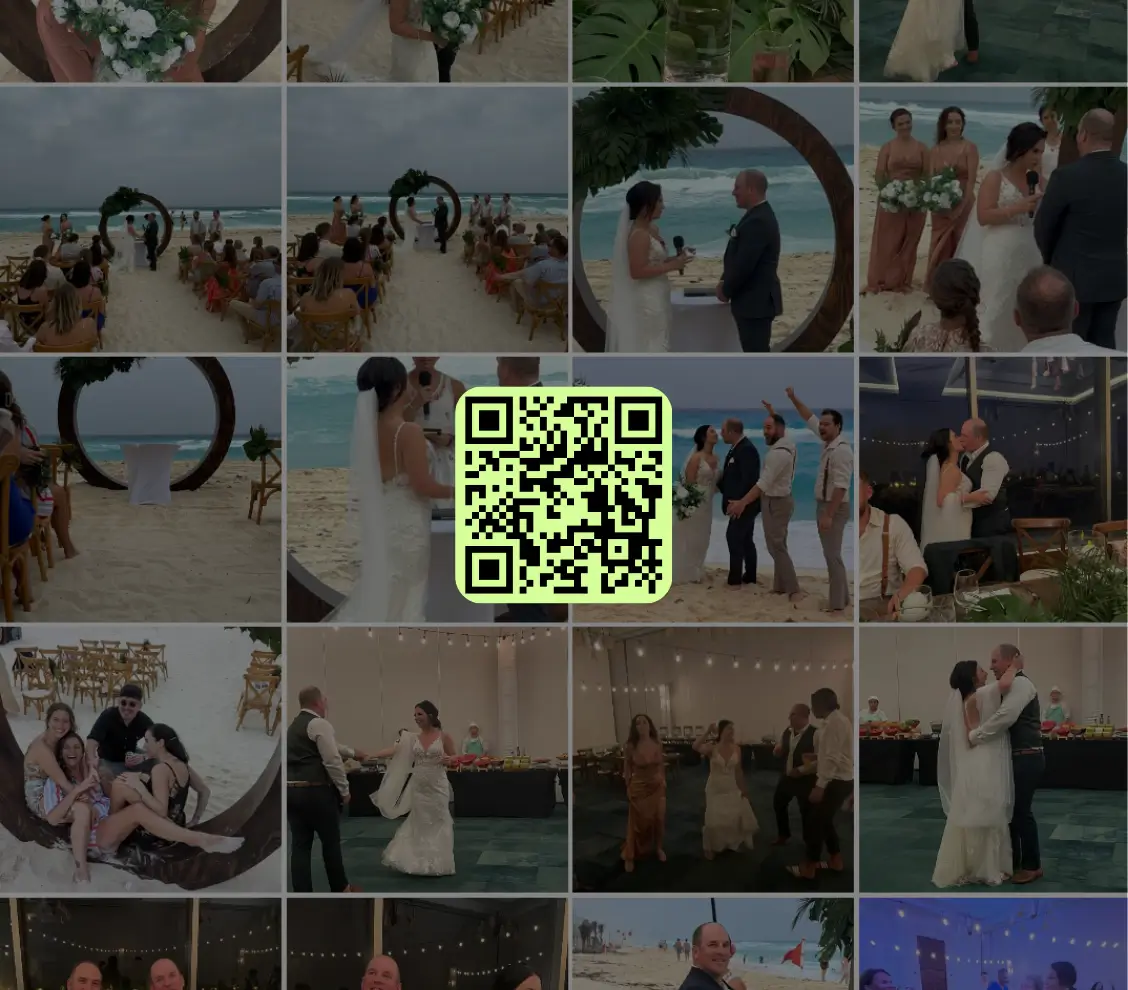

Scan the QR code or use the link below to step into the guest portal and see how easy it is for guests to join and upload.

